
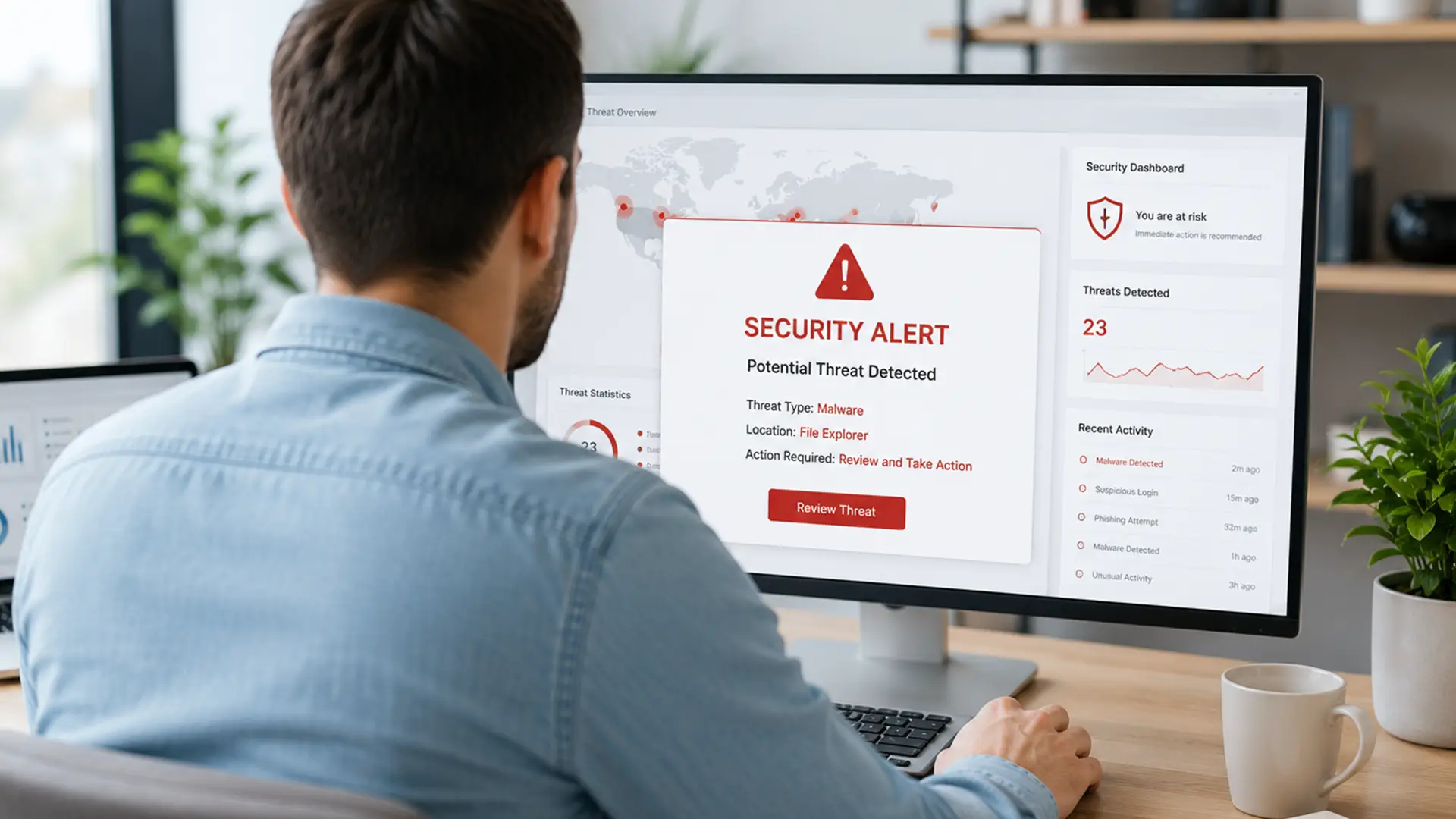
Cybercriminals aren't short on ideas when it comes to causing trouble online.
And because so much of life now happens through a screen, cyber security is an everyone problem.
Fortunately you don't need to be a cyber security expert to protect yourself.
In this guide, we'll explain the most common cyber threats, how they work and the simple steps you can take to avoid them.
We'll also look at how your broadband can play a part in keeping you, your devices and your data protected.
What Are Cyber Threats?
A cyber threat is any malicious attempt to gain unauthorised access to a device, network, system or data.
Cyber threats can be carried out by individual hackers, organised criminal groups, nation-state actors or even insiders with access to systems. Their goals vary, but often include:
- Stealing sensitive information
- Accessing financial data
- Disrupting services
- Holding systems hostage for payment
- Damaging reputations
- Gaining long-term access to networks
Some attacks rely on sophisticated technology.
Others simply exploit human error.
That's why cyber security is as much about people as it is about software.
Types of Cyber Threats
Phishing
Phishing remains one of the most common cyber threats worldwide.
Attackers send emails, texts or messages that appear legitimate. Their goal is to trick users into:
- Revealing passwords
- Sharing financial details
- Downloading malware
- Visiting fake websites
Modern phishing attacks can be incredibly convincing.
Some use company logos, realistic branding and even AI-generated content to appear authentic.
Example
You receive an email claiming your broadband provider needs you to verify your account details.
The email looks genuine, but the link takes you to a fake login page designed to steal your credentials.
How to Protect Yourself
- Check sender addresses carefully
- Avoid clicking unexpected links
- Use multi-factor authentication (MFA)
- Verify requests through official channels
Phishing remains one of the most common tricks in the cybercriminal playbook, catching out individuals and organisations alike.
Malware
Malware is short for malicious software.
It's an umbrella term covering software designed to damage systems, steal information or provide unauthorised access.
Common types of malware include:
- Viruses
- Worms
- Trojans
- Spyware
- Adware
- Rootkits
Malware often spreads through:
- Email attachments
- Infected downloads
- Compromised websites
- Fake software updates
Once installed, malware can spy on what you're doing, steal sensitive information or create an opening for further attacks.
Ransomware
Imagine being locked out of your own office and then being charged to get back in.
That's essentially how ransomware works.
Cybercriminals encrypt files and systems, making them unusable until a ransom is paid. In many cases, they also steal data before locking everything down, giving them extra leverage over their victims.
For organisations, that can mean downtime, disruption, financial losses and some very difficult decisions.
Why Ransomware is Dangerous
- Business operations can grind to a halt
- Recovery costs can be significant
- Sensitive data may be exposed
- Reputational damage can last for years
For cybercriminals, it's become a favourite tactic.
Lock up important files, demand a payment and hope the victim is desperate enough to pay.
Social Engineering
Some cybercriminals don't bother hacking your devices. They try hacking you instead.
Social engineering attacks rely on tricks, pressure and persuasion to get people to hand over sensitive information, click something they shouldn't or grant access they never meant to.
Attackers exploit:
- Trust
- Fear
- Urgency
- Curiosity
Examples include:
- Fake tech support calls
- CEO impersonation scams
- Account verification requests
- Fraudulent payment instructions
In many cases, social engineering acts as the first step before a larger cyber attack.
Distributed Denial-of-Service (DDoS) Attacks
A DDoS attack floods a website, application or network with huge amounts of traffic.
Unlike many cyber attacks, the aim isn't usually to steal information.
Instead, attackers want to:
- Slow services down
- Cause outages
- Disrupt operations
- Prevent legitimate users from accessing systems
The more a business relies on being online, the greater the impact when services become unavailable.
Reliable broadband and resilient network infrastructure can help improve uptime and make life harder for would-be attackers.
Credential Theft
Passwords remain one of the biggest weaknesses in cyber security.
If attackers can get hold of your login details, they may not need to break into a system at all. They can simply sign in.
Credential theft typically happens through:
- Phishing attacks
- Malware
- Data breaches
- Password reuse
Once credentials are compromised, attackers can access accounts, move laterally through networks and launch further attacks.
Best Practices
- Use unique passwords
- Enable MFA wherever possible
- Consider a password manager
- Monitor accounts for unusual activity
Spyware
Spyware secretly monitors user activity.
It may collect:
- Browsing history
- Login credentials
- Banking information
- Personal communications
Because spyware operates in the background, many users don't realise they're infected until significant damage has already occurred.
In this case, especially, prevention is better than cure.
Man-in-the-Middle Attacks
In a man-in-the-middle (MITM) attack, cybercriminals intercept communications between two parties.
This can happen on unsecured public Wi-Fi networks where attackers position themselves between users and legitimate services.
Potential consequences include:
- Stolen passwords
- Compromised financial information
- Session hijacking
- Data interception
You don't have to avoid public Wi-Fi altogether.
Using secure websites, encrypted connections and a VPN can help you browse with much greater peace of mind.
AI-Powered Cyber Threats
Cybercriminals are always looking for new ways to catch people out.
And with artificial intelligence now part of the toolkit, scams are becoming more convincing, more personalised and often much harder to spot.
Some of the most common AI-powered threats include:
- More convincing phishing emails
- Deepfake scams
- Automated attacks
- Realistic fake websites
For years, obvious spelling mistakes and clunky wording were tell-tale signs of a scam.
Now, AI can help attackers create polished emails, realistic websites and highly believable messages that look far more legitimate at first glance.
Why Cyber Threats Are Increasing
As more of our lives move online, cybercriminals have more opportunities to exploit weaknesses and catch people off guard.
A number of factors are driving this rise in cyber threats.
More Connected Devices
From smartphones and laptops to smart home security systems, every connected device creates a potential entry point.
Remote and Hybrid Working
Flexible working has brought plenty of benefits, but it's also created more opportunities for cybercriminals.
Employees now access systems from multiple locations and devices, making security harder to manage.
Greater Digital Dependency
These days, most businesses run on a mix of cloud services, collaboration tools and internet connectivity.
If one piece goes down, it can quickly have a knock-on effect across the organisation.
Sophisticated Attackers
Cybercriminal organisations operate like businesses, complete with customer support, affiliate programmes and professional infrastructure.
What Does Broadband Have to Do With Cyber Threats?
Quite a lot, actually.
Your broadband does a lot more than get you online.
It's what keeps work calls running smoothly, films streaming, games loading and smart devices connected.
In many ways, it's the digital front door to your home.
A secure broadband setup can help reduce cyber risks by:
- Supporting encrypted connections
- Enabling secure router configurations
- Protecting home networks from unauthorised access
- Keeping connected devices updated
- Supporting VPN use when needed
Cyber security starts at home. Because your Wi-Fi knows a lot about you.
Where you work. What you watch. Which devices you own. Even when you're likely to be online.
Fast broadband keeps everything connected. A secure network helps make sure that information stays yours
How to Protect Yourself Against Cyber Threats
Many cyber attacks succeed because of simple, avoidable mistakes.
A few good habits can go a long way towards protecting your devices, accounts and personal information.
Start with these essentials:
Keep Software Updated
Updates often contain security patches that fix known vulnerabilities.
Use Strong Passwords
Long, unique passwords remain one of the simplest and most effective security measures.
Enable Multi-factor Authentication
MFA adds an extra layer of protection beyond passwords alone.
Be Cautious with Emails and Messages
If something feels suspicious, verify it independently.
Secure your Home Network
Change default router passwords and install firmware updates regularly.
Back up Important Files
Offline or cloud backups can help minimise damage from ransomware.
Use Reputable Security Software
Good endpoint protection can help identify and block threats before they cause harm.
Our guide on internet safety covers 15 practical ways to stay secure while browsing, shopping, streaming and spending time online.
Final Thoughts
Most of us don't spend much time thinking about cyber security. Until something goes wrong.
That's why a little preparation goes a long way.
Understanding the risks, spotting common scams and securing your home network can help protect the things that matter most.
Your devices. Your accounts. Your data. Your peace of mind.
Frequently Asked Questions
What is the Most Common Cyber Threat?
Phishing is widely considered one of the most common cyber threats because it targets human behaviour rather than technical vulnerabilities.
What is Ransomware?
Ransomware is malicious software that encrypts files or locks systems and demands payment to restore access.
Can Home Broadband Users Be Targeted By Cyber Threats?
Yes. Cybercriminals target individuals, families and businesses of all sizes. Home users are often targeted through phishing, malware and compromised devices.
How Can I Make My Broadband Network More Secure?
Use a strong router password, keep firmware updated, enable WPA3 encryption where available and remove devices you no longer use.
Are Cyber Threats Getting Worse?
Cyber threats continue to evolve, with attackers increasingly using automation, AI and sophisticated social engineering techniques to target victims.
