
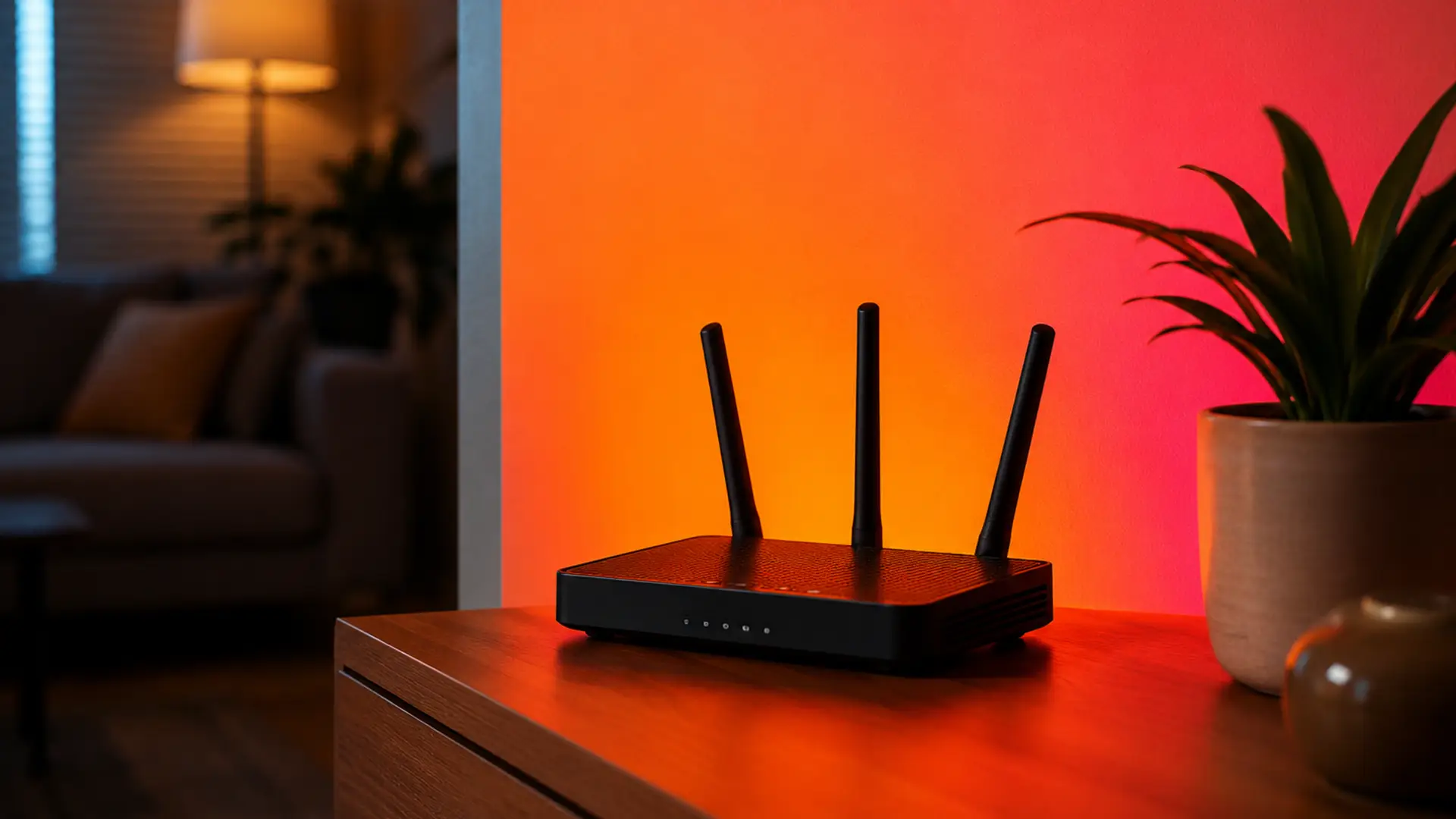
The best place for a WiFi router is rarely the first place it lands.
Installation day is all about getting you online quickly. Once the router's connected, that's usually where it stays.
The trouble is, your home doesn't stay the same. The spare room becomes an office, the kids get older, more devices join the network and your WiFi ends up serving a home that's very different from the one it was installed in.
If your WiFi isn't quite reaching the places you need it to, reassessing your router's location is a great place to start.
A few small changes could be all it takes to help your signal reach further and perform more reliably.
Let's find your router a better home.
Where Is the Best Place for a WiFi Router?
The best place for a WiFi router is as close to the centre of your home as possible, out in the open, and raised off the floor. This gives the wireless signal the best chance of reaching every room evenly instead of being blocked by walls, furniture or travelling outside where you don't need it.
Ideally, your router should be:
- Located near the centre of your home
- Positioned on a shelf or table rather than the floor
- Away from thick walls and large metal objects
- Out in the open instead of inside cupboards
- Kept away from electrical devices that cause interference
Don't worry if that's not exactly where your broadband enters your house. Every home is different, and there's rarely one "perfect" location. The goal is simply to find the best position your home allows.
Start with the Centre of Your Home
Your router has probably outlived a sofa, a television and maybe even a kitchen renovation. Chances are, it hasn't moved an inch.
If there's one piece of advice worth remembering, it's this:
Keep your router as close to the middle of your home as possible.
WiFi broadcasts in all directions. When a router sits in one corner of the house, a large portion of the signal ends up covering the driveway, garden or neighbouring property instead of the rooms where you actually use your devices.
A central location gives every room a more balanced signal and helps eliminate frustrating weak spots.
Raise Your Router Off the Floor
Many people place their router underneath a TV cabinet or hide it beside furniture.
Unfortunately, WiFi signals travel outward and downward poorly when the router is sitting on the floor.
Instead, place it:
- On a bookshelf
- On a side table
- On top of a cabinet
- Mounted on a wall if your router supports it
Even moving it one metre higher can noticeably improve coverage throughout your home.
Keep Your Router in the Open
WiFi doesn't like obstacles.
Placing your router inside a cupboard, behind a television or inside a media unit traps much of the signal before it even reaches your devices.
Try to keep it visible and surrounded by open space.
Good locations include:
- Living room shelves
- Hallway tables
- Office desks
- Open shelving units
Avoid hiding it purely for appearance, you'll usually sacrifice performance.
Avoid Thick Walls
Every wall your WiFi passes through weakens the signal.
Some materials are particularly difficult:
- Brick
- Concrete
- Stone
- Chimneys
- Underfloor heating
- Mirrors
If your router sits behind several solid walls, moving it just a few feet can sometimes produce a surprising improvement.
Keep Away from Metal
Large metal objects reflect wireless signals.
Avoid placing your router near:
- Fridges
- Freezers
- Boilers
- Radiators
- Filing cabinets
- Metal shelving
These can create unexpected dead zones around your home.
Avoid Electrical Interference
Many household electronics use similar radio frequencies to WiFi.
Keep your router away from:
- Microwave ovens
- Baby monitors
- Cordless phones
- Bluetooth hubs
- Smart home hubs
- Wireless speakers
Even fish tanks can affect WiFi because water absorbs radio signals.
Position the Antennas Correctly
If your router has adjustable antennas, don't point them all the same direction.
For most homes:
- One antenna vertical
- One antenna horizontal
This helps provide better coverage for devices on different floors and in different orientations.
If your router has internal antennas, simply place it upright according to the manufacturer's instructions.
Don't Place Your Router Next to a Window
It sounds obvious, but it's surprisingly common.
A window allows your WiFi signal to travel outside rather than through your home.
That means you're effectively giving away part of your wireless coverage to the street.
Consider Where You Actually Use WiFi
The centre of the house is usually best but not always.
Think about where you spend most of your time.
If everyone works upstairs or streams television in one room, it may be better to place the router slightly closer to those areas.
Prioritise the rooms where strong WiFi matters most.
Best Place for a WiFi Router in a Two-Storey House
For two-storey homes, position the router:
- Near the middle of the house
- On the first floor if possible
- Elevated on a shelf
- Away from staircases with thick walls
Avoid placing the router downstairs in a corner cupboard or upstairs in one far bedroom.
A central landing or hallway often provides excellent coverage.
Best Place for a WiFi Router in a Bungalow
Because everything sits on one level, bungalows are usually easier to cover.
Place your router:
- Near the middle
- Off the floor
- In an open room
Avoid garages or utility rooms if they're attached at one end of the property.
Best Place for a WiFi Router in a Flat or Apartment
Flats often suffer from interference from neighbouring WiFi networks.
In addition to choosing a central location:
- Use the 5GHz or 6GHz band where available
- Keep your router away from shared walls
- Update to WiFi 6 or WiFi 7 if your equipment supports it
This can significantly improve performance in busy apartment buildings.
When Moving the Router Isn't Enough
Sometimes, even the perfect router position can't overcome the size or layout of your home.
You may need additional equipment if:
- Your home has three or more floors
- The property is very long
- You have thick stone walls
- An extension has been added
- Outdoor offices or garden rooms need WiFi
In these situations, a mesh WiFi system or professionally installed wireless access points usually provide far better coverage than a single router alone.
Should You Turn Off WiFi at Night?
Some people switch their router off overnight to save energy.
While this won't improve coverage, restarting your router occasionally can help install updates or clear temporary issues.
Modern routers use very little electricity, so leaving them on is generally recommended for consistent performance and automatic security updates.
Frequently Asked Questions
Where should you not place a WiFi router?
Avoid placing a router:
- Inside cupboards
- Behind televisions
- Next to microwaves
- Beside large metal appliances
- On the floor
- In garages
- At the very edge of your home
Is upstairs or downstairs better for a router?
Neither is automatically better.
The ideal position is near the centre of your home. In two-storey properties, a high shelf on the ground floor or a central landing often delivers the best coverage.
Should a WiFi router be near a window?
No. Windows allow signal to travel outside, wasting coverage that could be used inside your home.
Does putting a router higher make WiFi better?
Yes. Raising your router helps the signal spread more evenly throughout your home and reduces interference from furniture.
Can moving my router really improve WiFi?
Absolutely. Moving a router by just a few metres, or simply raising it off the floor, can dramatically improve wireless performance without spending any money.
Final Thoughts
Finding the best place for your WiFi router is one of the simplest ways to improve internet performance without upgrading your broadband package.
Aim for a central, elevated, open location away from walls, metal objects and electrical interference. Small adjustments can eliminate dead zones, improve video calls, speed up streaming and make your connection more reliable throughout your home.
If you've tried repositioning your router and you're still struggling with weak WiFi, the issue may be your home's layout rather than your broadband speed. In that case, upgrading to a mesh WiFi system or arranging a professional WiFi survey can make a dramatic difference.
With the right router placement and the right equipment, every room in your home can enjoy fast, reliable wireless coverage.
