



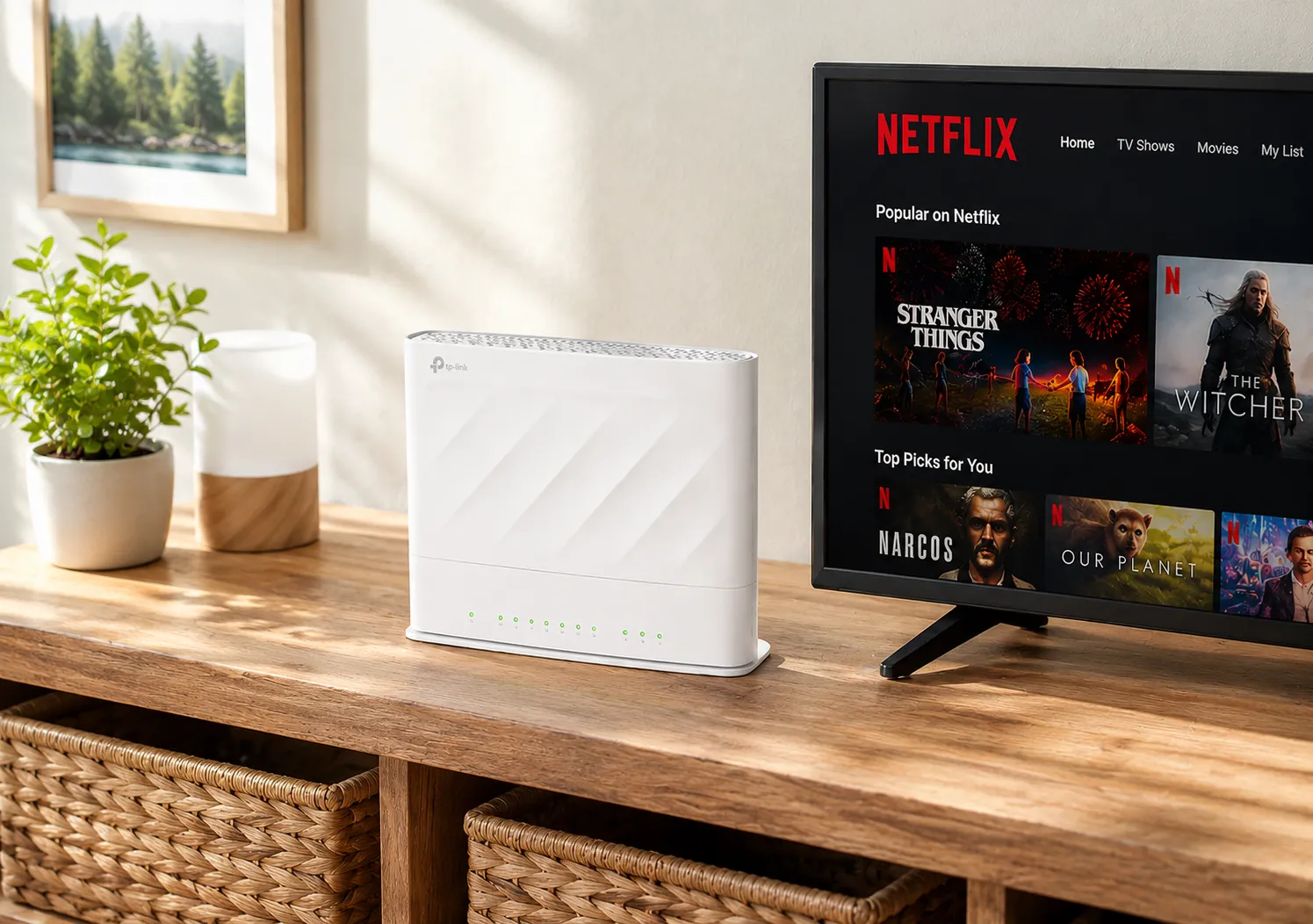
This next-generation Wi-Fi 6 router is built to deliver faster speeds, stronger coverage and greater reliability across your home or business. Designed by one of the world’s leading networking brands, it perfectly complements our full fibre network, helping customers enjoy a smooth, consistent connection.
Every new Fusion Fibre customer receives a Wi-Fi 6 router included with their broadband package, providing full fibre coverage and speed across all devices.

Your WiFi has a lot of mouths to feed. Phones, laptops, smart TVs, games consoles, cameras and countless smart devices all want a piece of the action.
Thankfully, WiFi 6 is built to keep everyone happy, giving your router the ability to handle more devices without waving the white flag.
We work across multiple UK fibre networks, giving your business more choice when it comes to coverage, speeds and connectivity options.
When you need help, you want someone who understands your business and knows what they're talking about. Our UK-based team is here when you need us.
From straightforward business broadband to dedicated leased lines and more complex connectivity, we'll help you choose what your business actually needs.
Your broadband keeps your business moving. We'll help you build a connection designed for the demands of your team, customers and everyday operations.
Getting started with your Fusion Fibre Router couldn’t be simpler. The TP-Link EX520v is designed for quick setup, so you can start enjoying your full fibre connection in minutes with no complicated steps or technical know-how required.
Once connected, you will be ready to enjoy ultra-fast broadband speeds and reliable Wi-Fi coverage across your home. If you ever need help, our UK-based Customer Service Team is always ready to help with setup, troubleshooting or technical questions.

Switching broadband providers in the UK is easier than ever, thanks to the One Touch Switch process. You can change your internet provider in just four simple steps, with minimal hassle and no unnecessary downtime.
Top tip: Check whether you are still under contract with your current provider, as early termination fees may apply if you leave before your contract ends.
Ready to upgrade to ultrafast full fibre broadband? Check your full fibre availabilityand switch to Fusion Fibre Group in just a few clicks.
In the UK, broadband is generally considered "fast" if it delivers download speeds of 100 Mbps or more.
However, with the rollout of full fibre (FTTP) networks, speeds of 300 Mbps, 500 Mbps, and even 900 Mbps are becoming the new standard for high-performance internet.
Broadband speed categories in the UK:
Want future-ready performance for 4K streaming, gaming, smart home tech, and remote work? Check full fibre availability at your address nowto see if full fibre broadband is available in your area.
At Fusion Fibre Group, all our full fibre broadband plans include free FTTP installation and no activation fees, so you can get connected with no hidden upfront costs.
There is no charge for engineer visits, no setup fees, and no surprise costs when you sign up. Just fast, reliable broadband with simple, transparent pricing.
What is available in your area? Check full fibre broadband availability at your address.
Yes, in some cases, you will need an engineer to install full fibre broadband, especially if you are upgrading to FTTP (Fibre to the Premises).
Unlike standard broadband, full fibre requires a new fibre optic cable to be installed directly into your home from the street. This is a one-time setup that ensures you get the full benefit of ultrafast speeds and a future-proof connection.
What to expect during your full fibre broadband installation:
Do you already have full fibre broadband installed? If your property already has an active ONT, you may not need an engineer visit, and setup can be as simple as plugging in your router.
Need more help? Our team will let you know during your sign up whether an engineer visit is required and what to expect. To check availability at your address, use our Full Fibre Broadband Availability Checker.
