
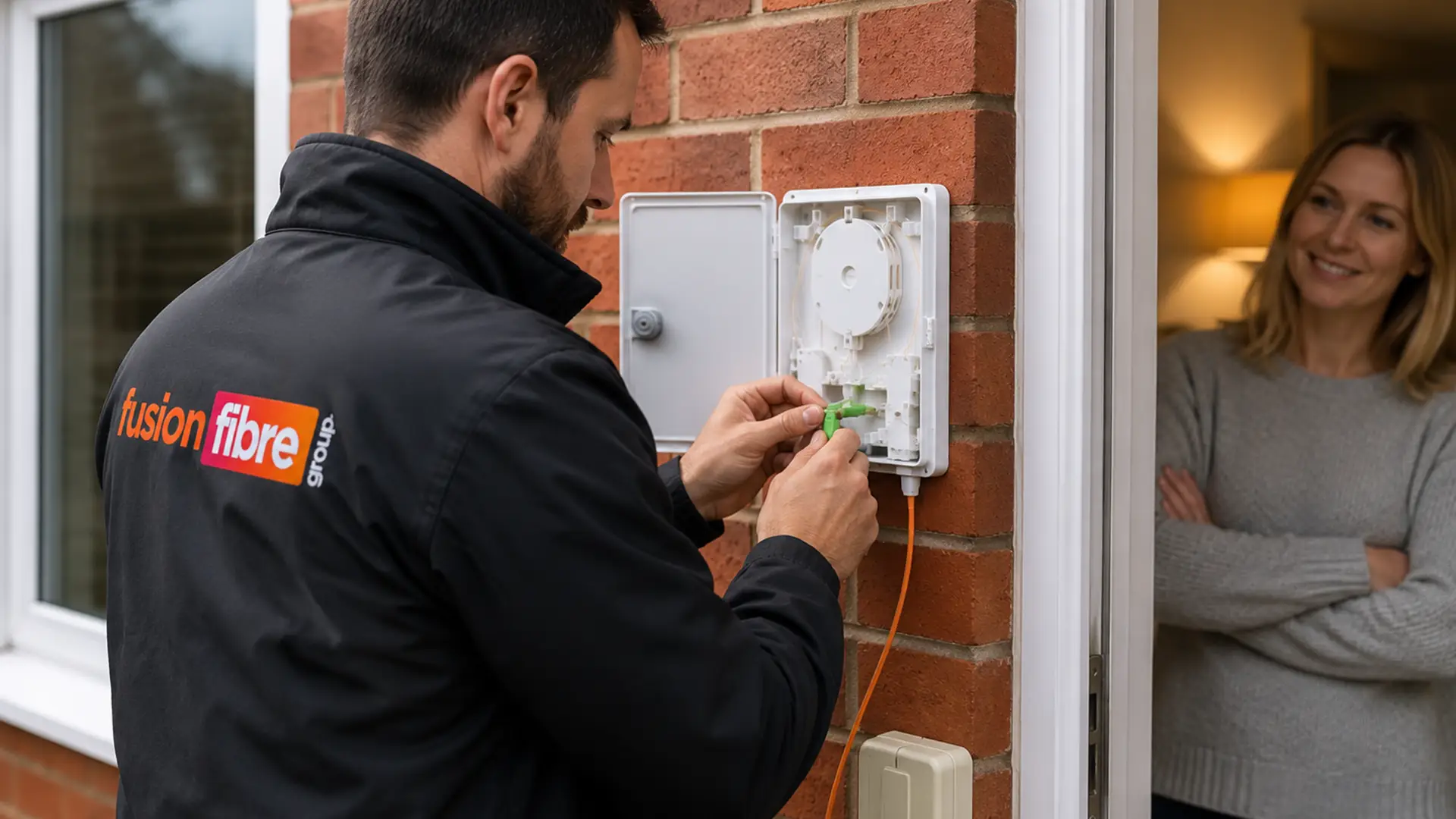
You have found out full fibre broadband is available at your address and signed up… now what? If you are wondering what happens next, here is exactly what to expect once you have purchased a full fibre broadband plan from Fusion Fibre Group.
This step-by-step guide covers the entire FTTP installation process, from the street to your home, so you know exactly what will happen on the day of your appointment.
What is Full Fibre Broadband?
Full fibre broadband, also known as Fibre to the Premises (FTTP), is an ultrafast internet connection that runs a dedicated fibre optic cable directly from the street to your property.
With speeds of up to 900 Mbps, improved reliability, and a future-proof connection for streaming, online gaming, remote working, and smart home devices, full fibre broadband is the gold standard of home broadband in the UK.
Learn more about how full fibre broadband works and its benefits.
Do You Need an Engineer to Install Full Fibre Broadband?
In many cases, yes, you will need an engineer to install full fibre broadband at your address, especially if you are upgrading from part fibre (FTTC) or ADSL.
Unlike standard copper-based broadband, full fibre requires a brand-new fibre optic cable to be connected directly to your home. This one-time setup ensures you can benefit from ultrafast speeds and maximum reliability.
If your property already has an active Optical Network Terminal (ONT), installation might not be necessary, as activation can sometimes be completed remotely, you may only need to plug in your router.
What Happens During a Full Fibre Broadband Installation?
There are three main steps to a full fibre broadband installation:
1. External Fibre Connection to Your Home
A trained broadband engineer will bring a fibre optic cable from the nearest network point, which could either be an underground chamber or a pole, to the outside of your home.
- Mounting a cable neatly along the wall
- A small amount of digging if your connection is underground
- Installing an external junction box to protect the cable
All work is carefully carried out to minimise disruption.
2. Internal Fibre Installation and ONT Setup
Once the cable reaches your home, the engineer will:
- Drill a small, tidy hole through an exterior wall
- Feed the fibre cable indoors
- Install an Optical Network Terminal (ONT), a small device that converts the light signals from the fibre cable into data your router can use
The ONT is usually placed near a power socket and close to where your router will be located. Learn more about where you should place your Wi-Fi router for maximum speed and coverage.
3. Router Connection and Speed Testing
The engineer will connect your router to the ONT and configure it for your new ultrafast broadband. They will then run tests to check:
- Connection stability
- Speed performance
- Device connectivity
Once everything is set up, you will be ready to enjoy your ultrafast full fibre broadband.
How does Full Fibre Reach my House?
Full fibre can reach your property in a couple of ways, depending on the broadband infrastructure in your area.
If your connection is underground, the fibre cable may be brought to your home through existing ducts. In other areas, it can arrive overhead from a nearby telephone pole.
You generally don’t need to work this out yourself. Your provider and the network operator will determine the best way to connect your property.
Does Full Fibre Installation Require Drilling?
In many cases, yes. The engineer may need to drill a small hole through an exterior wall to bring the fibre cable into your home.
They’ll usually discuss the location with you before starting, so you know where the cable will enter and where your equipment will be installed.
Will Full Fibre Installation Require Digging?
Not always.
If your fibre connection runs underground, engineers can often use existing ducts to bring the cable towards your property. Sometimes additional work may be needed if there isn’t a suitable route or an existing duct is blocked.
If more work is required, you should be told what needs to happen before the installation can be completed.
How Long Does Full Fibre Installation Take?
For most properties, full fibre installation takes between 1 and 3 hours. You will need to be home for the appointment. More complex setups may take slightly longer, depending on property layout and cable routing.
Where Will my ONT be Installed?
Your Optical Network Terminal (ONT) will usually be installed on an inside wall, close to where the fibre enters your property and within reach of a power socket.
You can discuss the location with your engineer before installation begins.
Are There Any Installation or Activation Fees?
At Fusion Fibre Group, all full fibre broadband plans include:
- Free FTTP installation
- No activation fees
This means you can get connected without worrying about hidden costs.
How to Prepare for Your Full Fibre Broadband Installation
- Ensure someone aged 18+ is at home
- Decide where you’d like your router for the best Wi-Fi coverage
- Clear the area around the planned ONT location
What if I Already Have an ONT?
If your property has had full fibre broadband before, you may already have an ONT installed.
Don’t remove it. Depending on your new service and the network you're joining, the existing equipment may be suitable for your connection. This could mean less installation work is needed.
Your provider will let you know whether an engineer visit is required or whether your service can use the existing setup.
Ready to Upgrade to Full Fibre Broadband?
Installing full fibre is simple, and the benefits are instant with faster speeds, better reliability, and a network built for the future.
- Is full fibre available in your area? Use our Full Fibre Broadband Availability Checker.
- Looking for a great deal? See our latest full fibre broadband plans.
