
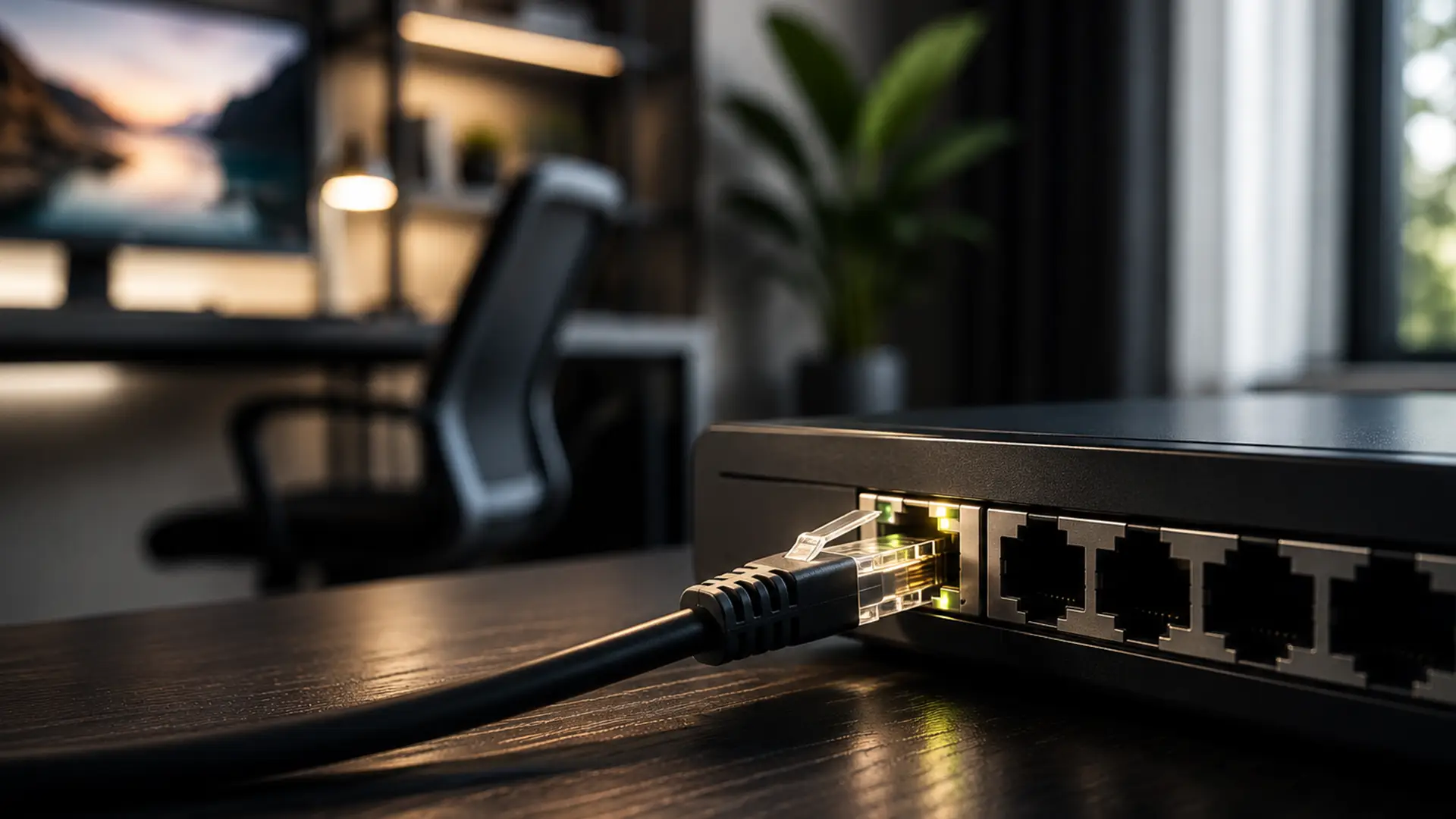
LAN. It's on the back of your router. It pops up when you're setting up broadband. It's mentioned in gaming forums, networking guides and pretty much every router manual ever written.
Yet ask someone what a LAN is, and chances are you'll get a shrug.
Let's put that right.
What is LAN?
LAN stands for Local Area Network.
It's the network inside your home, office or another single location that connects your devices together.
That includes things like:
- Laptops
- Smartphones
- Tablets
- Smart TVs
- Games consoles
- Printers
- Smart speakers
- Security cameras
- Connected home devices
When these devices join the same network, they become part of your LAN.
Some connect wirelessly using Wi-Fi. Others use an Ethernet cable. Either way, they're all connected through the same local network (LAN).
How Does a LAN Fit Into Your Broadband?
A LAN, or Local Area Network, is the network your router creates to connect the devices in your home.
Whether it's a laptop, smart TV, games console, printer or smart speaker, any device connected to your router becomes part of your LAN.
Once your broadband reaches your router, your LAN shares that internet connection with every device on the network.
It also allows devices to communicate with one another, such as sending a document to a wireless printer or streaming media across your home.
Most routers include several LAN ports on the back. These let you connect compatible devices directly using an Ethernet cable instead of Wi-Fi, providing a reliable wired connection to the same local network.
LAN, Wi-Fi and Ethernet: What’s The Difference?
- LAN is your local network.
- Wi-Fi is one way of joining that network without cables.
- Ethernet is a wired way of joining the very same network.
If your laptop connects over Wi-Fi and your games console uses an Ethernet cable, they're both still part of your LAN. The only difference is how they connect.
Can You Have a LAN Without Broadband?
Yep.
A LAN doesn't depend on an internet connection.
For example, you could connect several computers together to share files or use a network printer, even if your broadband was unavailable.
Adding broadband simply allows your local network to access websites, streaming services, online games and everything else the internet has to offer.
Getting the Best From Your Home Network
Your home network is made up of lots of moving parts. Fine-tuning your setup with a few practical changes can help everything work more smoothly.
Give Your Router Some Breathing Room
It's tempting to tuck your router away, but that can affect your Wi-Fi signal. Keeping it out in the open and clear of thick walls or large metal objects can help improve coverage. For more guidance, read our guide to the best router placement.
Use Ethernet For Devices That Stay Put
If a device isn't going anywhere, consider connecting it with an Ethernet cable. Desktop PCs, games consoles and smart TVs can all benefit from a more stable connection, which is particularly useful for streaming, gaming and large downloads.
Keep Your Equipment Up to Date
Routers have come a long way over the years. If yours is starting to show its age, a newer model may offer better Wi-Fi coverage and improved performance across all your connected devices.
LAN vs WAN
Another networking term you're likely to come across is WAN, which stands for Wide Area Network.
A LAN connects devices within a single location, such as your home.
A WAN connects networks across much larger distances.
The internet is the world's largest WAN, while your home network is your LAN. Your broadband connection links the two together.
Final Thoughts
Your LAN isn't something you see, but it's something you use every day.
From your first morning coffee and a quick check of the news to an evening of streaming or gaming, it's there in the background, connecting your devices and helping your broadband reach every corner of your home.
Frequently Asked Questions
Does LAN Mean Wi-Fi?
No. Wi-Fi is one way of connecting to your LAN. Ethernet is another.
Is Ethernet the Same as LAN?
No. Ethernet is a wired technology used to connect devices to a LAN.
Does Every Home Have a LAN?
If you have a router connecting multiple devices together, then yes, you already have a Local Area Network.
What Does LAN Stand For?
LAN stands for Local Area Network.
Do I Need Broadband to Use a LAN?
No. Devices on a LAN can still communicate with one another without an internet connection. Broadband simply connects that local network to the wider internet.
