
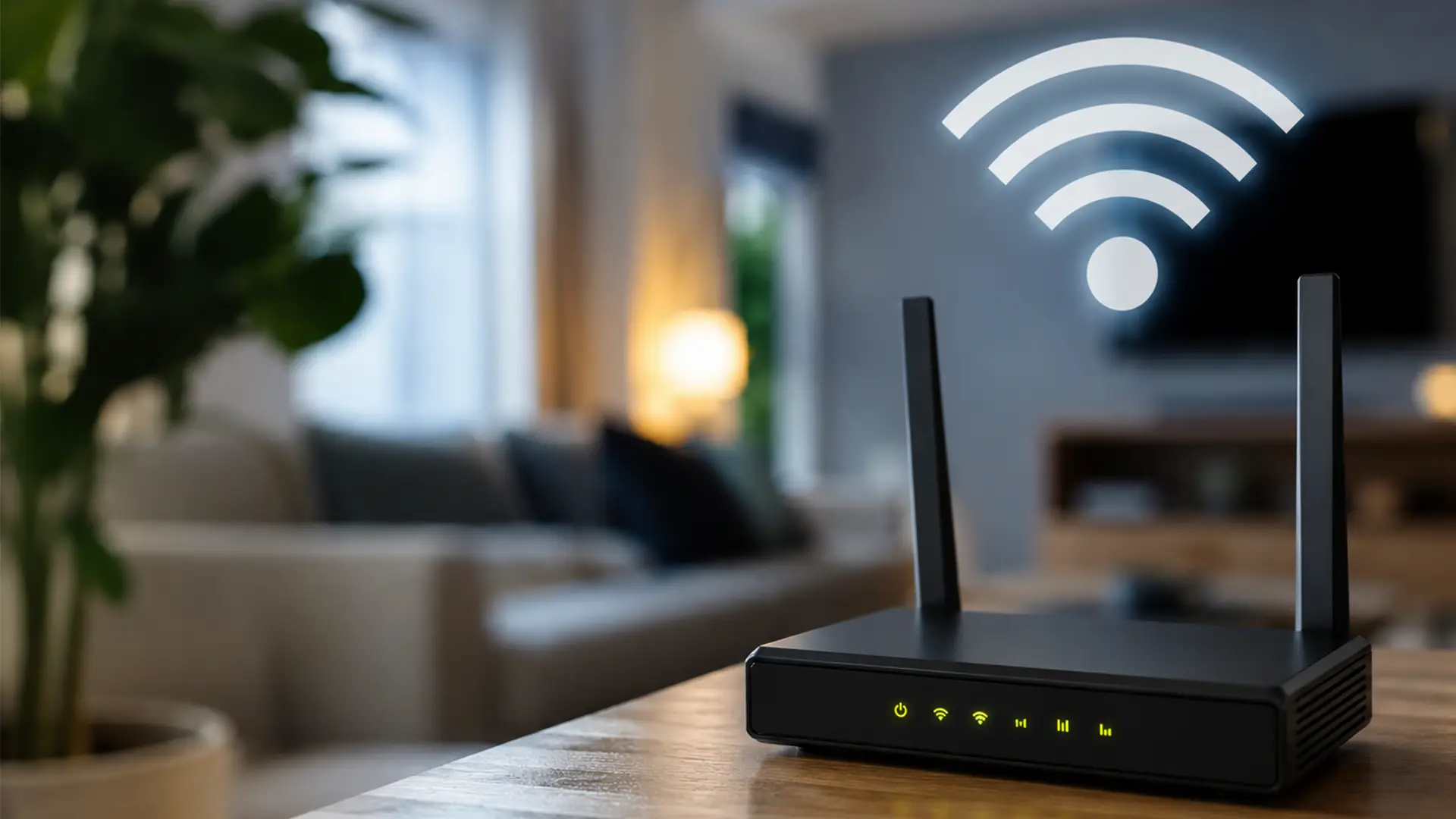
You use it every day. Your phone connects to it. Your TV streams through it. Your laptop depends on it.
But what is Wi-Fi?
Wi-Fi is the technology that lets your devices connect to the internet without cables. Instead of plugging every device into your router, Wi-Fi sends data through radio waves, giving you the freedom to browse, stream, game and work from almost anywhere in your home.
From movie marathons to Monday morning meetings, Wi-Fi is what keeps every device in your home talking to the internet.
What Does Wi-Fi Mean?
Time to bust a popular myth: Wi-Fi doesn't actually mean "Wireless Fidelity."
Despite what you may have heard, Wi-Fi isn't an acronym at all. It's simply the name given to the wireless technology that keeps billions of devices connected every day.
The Wi-Fi Alliance, the organisation behind the standard, chose the name because it was short, memorable and far easier to recognise than the technical alternative.
Safe to say, it caught on.
How Does Wi-Fi Work?
At the heart of your home network is your broadband router.
The router connects to your broadband service through your internet provider. It then broadcasts a wireless signal around your home.
Your devices, such as:
- Smartphones
- Tablets
- Laptops
- Smart TVs
- Games consoles
- Smart speakers
- Security cameras
can all connect to that signal.
When you open a website or stream a video, your device sends a request over Wi-Fi to your router.
The router passes that request to the internet through your broadband connection, then sends the information back to your device in seconds.
Wi-Fi vs Broadband: What's the Difference?
Broadband is your internet connection coming into your home from your internet provider.
Wi-Fi is the wireless network your router creates so your devices can access that broadband connection.
Think of broadband as the water supply coming into your house, while Wi-Fi is the plumbing that carries it around your home.
You can have broadband without Wi-Fi by connecting a device directly with an Ethernet cable. Likewise, you can have Wi-Fi without internet, although you'd only be able to connect devices to each other rather than access online services.
What Do You Need to use Wi-Fi?
Getting connected is straightforward. You'll usually need:
- A broadband connection
- A Wi-Fi router
- A compatible device, such as a smartphone, laptop or tablet
Like many broadband providers, we include a Wi-Fi router with our broadband packages, so you'll have everything you need to get connected from day one.
How Far Does Wi-Fi Reach?
The range of your Wi-Fi depends on several factors, including:
- The size of your home
- Thick walls and floors
- Where your router is placed
- Other wireless devices nearby
- The Wi-Fi technology your router supports
In smaller homes, one router is often enough. Larger properties may benefit from a mesh Wi-Fi system or Wi-Fi extenders to improve coverage in rooms that are further away.
What are Wi-Fi Bands?
Modern routers typically broadcast on different frequency bands: 2.4GHz and 5GHz.
2.4GHz
- Longer range
- Better at passing through walls
- Lower maximum speeds
5GHz
- Faster speeds
- Lower interference
- Shorter range
6GHz (Wi-Fi 6E and Wi-Fi 7)
- Even faster performance
- More available channels
- Great for busy homes with lots of connected devices
Many modern routers automatically choose the best band for each device.
What Affects Wi-Fi Speed?
If your Wi-Fi feels slower than expected, your broadband package isn't always the reason.
Several factors can affect wireless performance, including:
- How far you are from the router
- Thick walls or large furniture blocking the signal
- Too many connected devices sharing the connection
- Older routers or devices that don't support newer Wi-Fi standards
- Interference from neighbouring Wi-Fi networks or electrical appliances
- The placement of your router
Moving your router to a more central location, keeping it out in the open and updating older equipment can often improve wireless performance without changing your broadband package.
What's the Difference Between Wi-Fi 5, Wi-Fi 6 and Wi-Fi 7?
Just when you think your Wi-Fi can't get any better, along comes the next generation.
Each update brings faster speeds, greater capacity and smarter ways to keep your home connected.
- Wi-Fi 5 is still widely used and offers solid performance for everyday browsing and streaming.
- Wi-Fi 6 is designed to support more connected devices while improving speed, efficiency and battery life for compatible phones and laptops.
- Wi-Fi 6E extends Wi-Fi 6 into the new 6GHz band, giving supported devices access to more wireless capacity.
- Wi-Fi 7 is the latest generation, offering even higher speeds, lower latency and improved performance for busy households with dozens of connected devices.
To benefit from newer Wi-Fi standards, both your router and your device need to support them.
Can You Improve Your Wi-Fi?
Yes. You don't need to be a networking expert either. A few simple changes can go a long way towards improving your Wi-Fi performance.
Try these tips:
- Place your router in a central, open position.
- Keep it away from large metal objects and electrical appliances.
- Restart your router occasionally.
- Keep your router's software up to date.
- Use Ethernet for devices that stay in one place, such as desktop PCs or games consoles.
- Consider mesh Wi-Fi if you have a larger home.
If you're still struggling with slow speeds, it may be worth checking whether your broadband package is keeping up with the number of people and devices using your connection.
Frequently Asked Questions
Is Wi-Fi The Same As The Internet?
Nope. They're close friends, but they're not the same thing.
Your broadband brings the internet into your home. Wi-Fi is what lets your phone, laptop, TV and everything else tap into it without a tangle of cables.
No broadband? No internet. No Wi-Fi? Time to dig out an Ethernet cable.
Do You Need Broadband To Use Wi-Fi?
If your goal is streaming, scrolling or online shopping, then yes.
Without broadband, your router can still create a Wi-Fi network, but it won't have an internet connection behind it. It's a bit like having a road with nowhere to go.
Why Is My Wi-Fi Slow?
It could be any number of things.
Your router might be hidden in a cupboard, tucked behind the TV or trying to beam through three brick walls. Add in a house full of people streaming, gaming and video calling, and your Wi-Fi has plenty to keep it busy.
Sometimes, simply moving your router into a more open spot is enough to get things back on track.
Is Ethernet Faster Than Wi-Fi?
Usually, yes.
An Ethernet cable gives your device a direct route to your router, which makes it great for gaming, downloading big files or anything that benefits from a rock-solid connection.
Wi-Fi trades a little of that consistency for the freedom to connect from the sofa, the kitchen or the garden. Fair swap, we'd say.
Can Wi-Fi Go Through Walls?
Yes, but walls aren't exactly welcoming.
A plasterboard wall might barely slow your signal down, while thick brick or concrete can make it work much harder. That's why your Wi-Fi can be flying in one room and frustratingly patchy in another.
If your home has a few awkward corners, a mesh Wi-Fi system can help spread the signal more evenly.
Is Public Wi-Fi Safe?
It can be, but it's worth being a little cautious.
Grabbing a coffee and connecting to free Wi-Fi is handy. Logging into your online banking while you're there? Probably one to avoid unless you're using a secure connection.
When in doubt, stick to websites with HTTPS and save anything sensitive until you're on a network you trust.
What's The Difference Between A Modem And A Router?
The modem brings the internet into your home. The router shares it with all your devices over Wi-Fi or Ethernet.
These days, most broadband hubs combine both into one box, so you don't need to know which bit is doing what. You just need the Wi-Fi password.
What's The Difference Between Wi-Fi 5, Wi-Fi 6 And Wi-Fi 7?
Each new generation is designed to keep up with the way we use the internet today.
Wi-Fi 5 is still doing a solid job in plenty of homes. Wi-Fi 6 handles busy households more efficiently, while Wi-Fi 7 is built for even faster speeds, lower latency and homes packed with connected devices.
If your router's getting on a bit, upgrading could give your home network a welcome lift.
How Many Devices Can Connect To Wi-Fi?
More than most people realise.
Phones, laptops, smart TVs, tablets, speakers, doorbells, cameras, light bulbs... it all adds up surprisingly quickly.
Modern routers are built to cope with dozens of connected devices, so your smart fridge and your teenager's games console can happily coexist.
Does Wi-Fi Use Mobile Data?
Not while you're connected to it.
When your device joins your home Wi-Fi, it uses your broadband connection instead of your mobile data.
If your Wi-Fi drops out, your phone may quietly switch back to mobile data, so it's worth checking your settings if you're trying to avoid using your allowance.
Where Should I Put My Wi-Fi Router?
Not in the cupboard. Not behind the TV. And definitely not under a pile of post.
Your router works best somewhere central, out in the open and a little higher up. The fewer things blocking the signal, the better your Wi-Fi is likely to be throughout your home.
Can Too Many Devices Slow Down Wi-Fi?
They certainly can.
Every connected device takes a small slice of your broadband. If everyone in the house is streaming films, downloading games and video calling at the same time, there's more demand on your connection.
A modern router and the right broadband package can help keep everyone happy, even during the evening rush.
Can I Leave My Router Switched On All The Time?
Absolutely.
Routers are designed to stay on around the clock, so there's no need to switch yours off every evening.
If things ever start feeling a little sluggish, a quick restart can often help freshen things up.
Can My Neighbours' Wi-Fi Affect Mine?
Yes, especially if you live in a flat or a busy neighbourhood.
With lots of routers competing for the same airwaves, wireless signals can get a little crowded. Thankfully, most modern routers automatically choose the best channel available, so you won't normally need to lift a finger.
Do I Need A New Router?
If your router has been around longer than your favourite streaming service, it might be time.
Newer routers support the latest Wi-Fi standards, cope better with multiple devices and often provide stronger coverage around the home.
A new router won't increase the speed of your broadband package, but it can help you make the most of it.
