
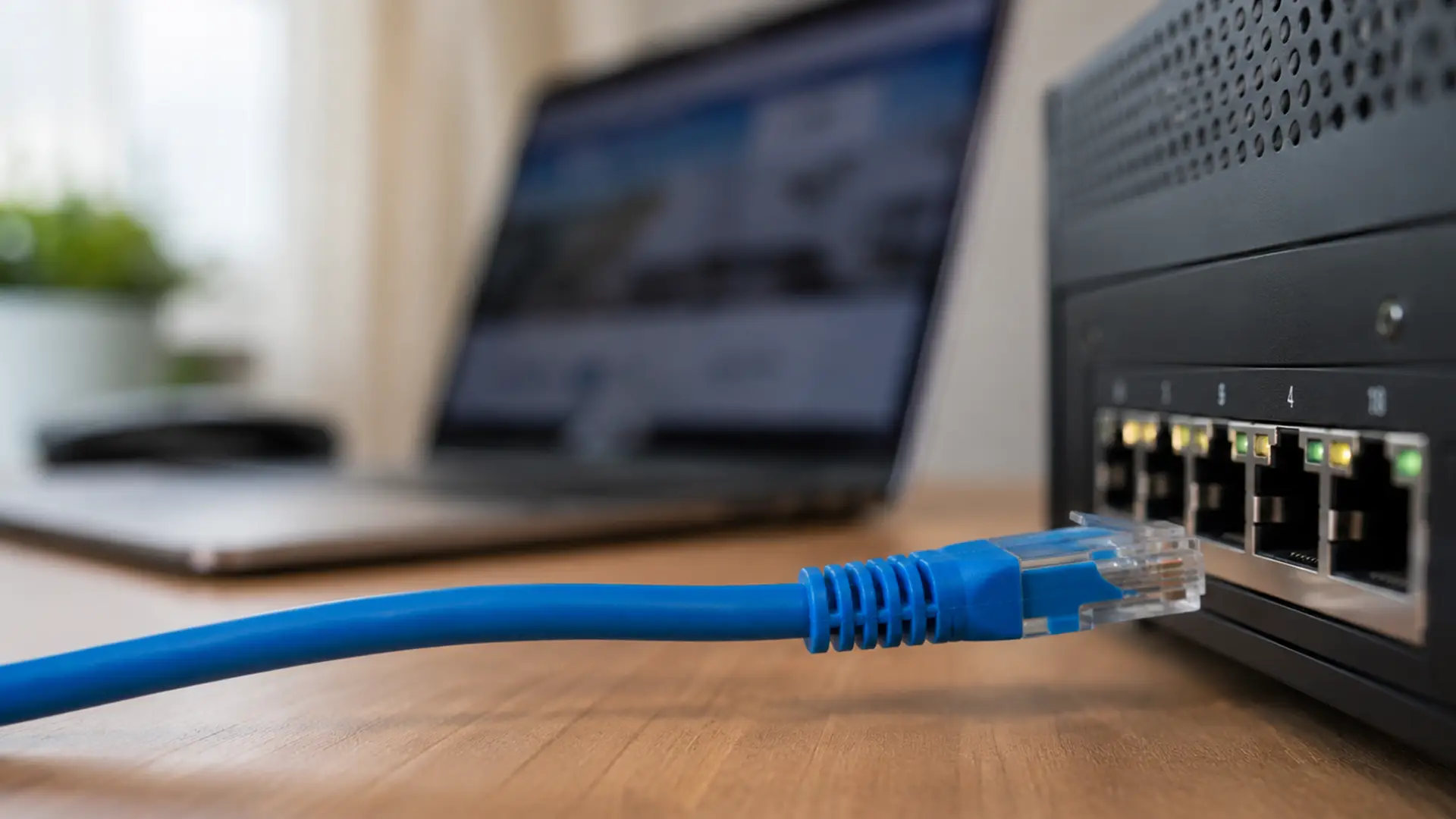
Ethernet doesn't care about walls.
It doesn't care about interference, signal strength or whether your neighbour has just bought another Wi-Fi router.
It just gets on with the job.
For decades, Ethernet has been the technology powering everything from office networks and gaming setups to the data centres that keep the internet running.
While Wi-Fi gets all the glory, Ethernet continues to deliver the speed, stability and reliability that modern networks depend on.
So, in the interests of giving credit where it's due, let's spend some time talking about the cable that holds up even when your Wi-Fi goes down.
How Does Ethernet Work?
Ethernet works by sending data between connected devices through physical network cables. Those devices communicate using a standardised set of networking rules known as IEEE 802.3.
Put simply, IEEE 802.3 acts like a shared rulebook for wired networking. It ensures devices from different manufacturers can communicate across the same network without compatibility issues.
Your router, computer, smart TV, or console sends information in tiny packets of data through Ethernet cables.
Those packets travel quickly and reliably between devices on the same network.
A typical Ethernet setup includes:
- A modem connected to the internet
- A router that manages network traffic
- A network switch for extra wired connections
- Ethernet cables linking devices together
- Connected devices like PCs, consoles, smart TVs, or servers
Modern Ethernet uses full-duplex communication, which means devices can send and receive data at the same time. Clever, clever stuff.
What Is Ethernet Used For?
Pretty much everything, everywhere. Ethernet supports modern networking across homes, offices, schools, factories, data centres, and cloud infrastructure.
Home Networking
When speed and stability matter, plenty of households reach for a cable.
Common home uses for Ethernet include:
- Broadband internet connections
- Smart TVs
- Gaming consoles
- Desktop PCs
- Streaming devices
- Network-attached storage (NAS)
For activities like 4K streaming, competitive gaming, and working from home, wired connections deliver noticeably more stable performance than Wi-Fi.
Business Networks
Businesses have enough problems to deal with. Their network shouldn't be one of them.
That's why Ethernet continues to sit at the heart of modern business networks, providing the connectivity that powers:
- Shared printers and servers
- VoIP phone systems
- Cloud applications
- Internal communication
- Secure data transfer
Data Centres
The demands placed on modern data centres are enormous. Fortunately, moving huge amounts of data quickly is exactly what Ethernet was built for.
Data centres rely on ultra-fast Ethernet connections to support:
- Cloud computing
- Virtualisation
- Enterprise applications
- High-performance servers
- Large-scale storage systems
Industrial Networking
Out on the factory floor, Ethernet is widely used in:
- Manufacturing systems
- Security cameras
- Smart buildings
- Industrial automation
- Internet of Things (IoT) environments
Advantages of Ethernet
There’s a reason (many actually) why Ethernet hasn’t disappeared despite Wi-Fi being everywhere.
- Reliable Performance: Ethernet delivers stable, predictable connections with fewer random slowdowns and dropouts.
- Faster Speeds: Wired connections typically provide higher and more consistent speeds than wireless networks.
- Lower Latency: Less lag. Faster response times. Particularly important for gaming, video calls, and live streaming.
- Reduced Interference: Walls, microwaves, neighbouring networks, and thick floors can all interfere with Wi-Fi. Ethernet sidesteps this entirely.
- Cost-Effective: Ethernet hardware is affordable, widely available, and easy to scale.
- Scalable: Whether you’re connecting two devices or two thousand, Ethernet scales remarkably well.
Disadvantages of Ethernet
Ethernet gets a lot right. But that's not to say it doesn't have its limitations.
- Limited Mobility: You need a physical cable connection, so devices can’t move around freely like they can on Wi-Fi.
- Installation Requirements: Running Ethernet cables through walls or across buildings may require professional installation.
- Port Limitations: Some ultra-thin laptops no longer include Ethernet ports, meaning adapters are sometimes needed.
What Is an Ethernet Cable?
An Ethernet cable is the physical link between your device and the network.
While Wi-Fi sends data through the air, Ethernet takes a more direct approach: a cable.
Inside that cable are twisted pairs of copper wires designed to minimise interference and keep data moving reliably. At either end, you'll usually find an RJ45 connector - the familiar plug that clicks satisfyingly into routers, switches, computers and games consoles.
Common Ethernet Cable Types
Cat5e
Cat5e supports speeds up to 1 Gbps across distances of up to 100 metres.
It’s still widely used for:
- Streaming
- Gaming
- Home broadband
- Everyday internet use
Not the newest kid on the block, but still more than capable for most households.
Cat6
Cat6 supports:
- Up to 10 Gbps over shorter distances
- Reduced interference
- Improved shielding
- Better high-bandwidth performance
Think of it as Cat5e's slightly smarter, slightly faster sibling.
Cat6a
Cat6a supports full 10 Gbps speeds across 100 metres and offers stronger shielding for busy networking environments.
If Cat6 is planning for today, Cat6a is already thinking about tomorrow.
Cat7 and Cat8
Cat7 and Cat8 sit in a very different league to your average home network. Cat8 supports speeds of up to 40 Gbps over shorter distances.
Your Wi-Fi could never.
Ethernet Speeds Explained
Common Ethernet speeds include:
- Fast Ethernet - Up to 100 Mbps
- Gigabit Ethernet - Up to 1 Gbps
- 10 Gigabit Ethernet - Up to 10 Gbps
- 25 Gigabit Ethernet - Up to 25 Gbps
- 40 Gigabit Ethernet - Up to 40 Gbps
- 100 Gigabit Ethernet - Up to 100 Gbps
For most homes, Gigabit Ethernet is more than enough to handle:
- Streaming films and TV in 4K
- Online gaming
- Video calls
- Working from home
- Smart home devices
- Large file downloads and transfers
Higher-speed Ethernet standards are mainly used in businesses, data centres and other environments where vast amounts of data are moving between thousands of connected devices.
Ethernet vs Wi-Fi
Ethernet and Wi-Fi both connect your devices to the internet, but they go about it in different ways.
Choose Ethernet if you want:
- A fast, consistent connection
- Lower latency for gaming and video calls
- Maximum reliability
- The best possible performance for desktops, consoles or workstations
Choose Wi-Fi if you want:
- The freedom to move around your home
- Quick and easy device connections
- Wireless access for phones, tablets and laptops
- Convenience without cables
For many households, the best setup is a combination of both. Keep devices like smart TVs, gaming consoles and desktop PCs connected with Ethernet where possible, while using Wi-Fi for everything that needs to stay mobile.
Ethernet Advantages Over Wi-Fi
Faster Speeds
Ethernet doesn't have to contend with walls, interference or patchy wireless signals. The result is a faster, more consistent connection that spends less time making excuses.
Lower Latency
When every millisecond matters, Ethernet has the edge. By reducing delays between devices, it helps keep things smooth and responsive for:
- Online gaming
- Video calls
- VoIP systems
- Live streaming
- Other real-time applications
Greater Reliability
Ethernet doesn't.
A wired connection is far less affected by:
- Signal interference
- Walls and physical obstacles
- Distance-related performance drops
- Network congestion
Better Security
You can't accidentally connect to a cable from the car park.
Because Ethernet requires physical access to the network, it provides an additional layer of security that's difficult to replicate with wireless connections.
Wi-Fi Advantages Over Ethernet
Wi-Fi wins on convenience. Wireless networking is ideal for:
- Smartphones
- Tablets
- Laptops
- Smart home devices
- Portable gadgets
Freedom has its perks.
Ethernet Standards and IEEE 802.3
Ethernet standards are maintained by the Institute of Electrical and Electronics Engineers (IEEE).
The main Ethernet standard is called IEEE 802.3.
These standards define:
- Data transmission methods
- Cable specifications
- Network speeds
- Communication protocols
- Hardware compatibility
It's the reason your router, laptop, smart TV and games console can all play nicely together, even if they were made by completely different companies.
Ethernet Ports Explained
An Ethernet port is the point where your device meets the network. Plug in a cable, and you're connected.
You’ll commonly find Ethernet ports on:
- Routers
- Switches
- Desktop PCs
- Gaming consoles
- Smart TVs
- Printers
- NAS devices
Many modern laptops have traded built-in Ethernet ports for a slimmer design, making USB-to-Ethernet adapters a common workaround.
Ethernet Switches vs Routers
Ethernet Switch
A network switch connects multiple devices within the same local network.
Its main job is helping devices communicate internally and expanding available wired connections.
Ethernet Router
A router connects your local network to the wider internet.
Routers typically handle:
- Internet traffic management
- Wi-Fi
- Security features
- DHCP services
- Firewall protection
Many home devices combine both router and switch functionality in one box.
Is Ethernet Better for Gaming?
In most cases, yes.
Gamers tend to favour Ethernet for one simple reason: consistency. When every millisecond counts, a stable wired connection is hard to beat.
Ethernet typically provides:
- Lower latency
- Reduced packet loss
- Faster response times
- More stable connections
- Fewer interruptions
Ethernet Security Considerations
Ethernet networks are generally more secure than Wi-Fi because physical access is required to connect.
Unfortunately, cybercriminals have never been particularly good at respecting technical advantages.
Good Ethernet security practices include:
- Using firewalls
- Securing routers and switches
- Updating firmware regularly
- Network segmentation
- Strong authentication methods
The bigger the network, the bigger the security challenge. That's why many organisations use technologies like VLANs and network access control to keep everything under control.
The Future of Ethernet
Ethernet keeps evolving because our internet demands keep exploding.
Emerging technologies driving Ethernet growth include:
- Cloud computing
- Artificial intelligence
- 8K streaming
- Virtual reality
- Smart cities
- Industrial automation
- High-performance computing
While other technologies fight for attention, Ethernet has spent decades building a reputation for being reliable and difficult to replace.
That's a pretty good legacy for a humble network cable.
Final Thoughts
The internet has changed beyond recognition over the last few decades. Ethernet has been there for most of it.
While wireless networking continues to evolve, Ethernet remains the technology quietly connecting homes, businesses and vast chunks of the internet itself.
Not bad for a cable.
Frequently Asked Questions
What Does Ethernet Mean?
Ethernet is a family of wired networking technologies used to connect devices within local area networks (LANs).
Is Ethernet Faster than Wi-Fi?
In most situations, Ethernet provides faster, more stable, and lower-latency connections than Wi-Fi.
Do I Need Ethernet for Gaming?
Not necessarily, but Ethernet usually delivers a smoother and more reliable gaming experience.
What is an Ethernet Cable Used For?
An Ethernet cable connects devices to a wired network for internet access and local communication.
What is the Difference Between Ethernet and The Internet?
Ethernet is a networking technology used inside local networks. The internet is the global network connecting millions of networks together.
Can Ethernet Work Without Internet?
Yes. Devices connected through Ethernet can still communicate locally without internet access.
What Ethernet Cable Should I Buy?
For most people, Cat6 Ethernet cables offer the best balance of speed, reliability, and future-proofing.
What Is Gigabit Ethernet?
Gigabit Ethernet refers to Ethernet connections capable of speeds up to 1 gigabit per second (1 Gbps).
It’s now the standard for modern wired networking because it supports:
- Faster downloads
- Smoother streaming
- Better gaming performance
- Reduced buffering
- Faster file transfers
Most modern routers, switches, and broadband hardware now support Gigabit Ethernet.
What Is Power over Ethernet (PoE)?
Power over Ethernet (PoE) allows Ethernet cables to carry both data and electrical power through a single cable. Which is delightfully efficient.
PoE is commonly used for:
- IP security cameras
- Wireless access points
- VoIP phones
- Smart building systems
- Network sensors
It simplifies installation by reducing the need for separate power cables and sockets.
