
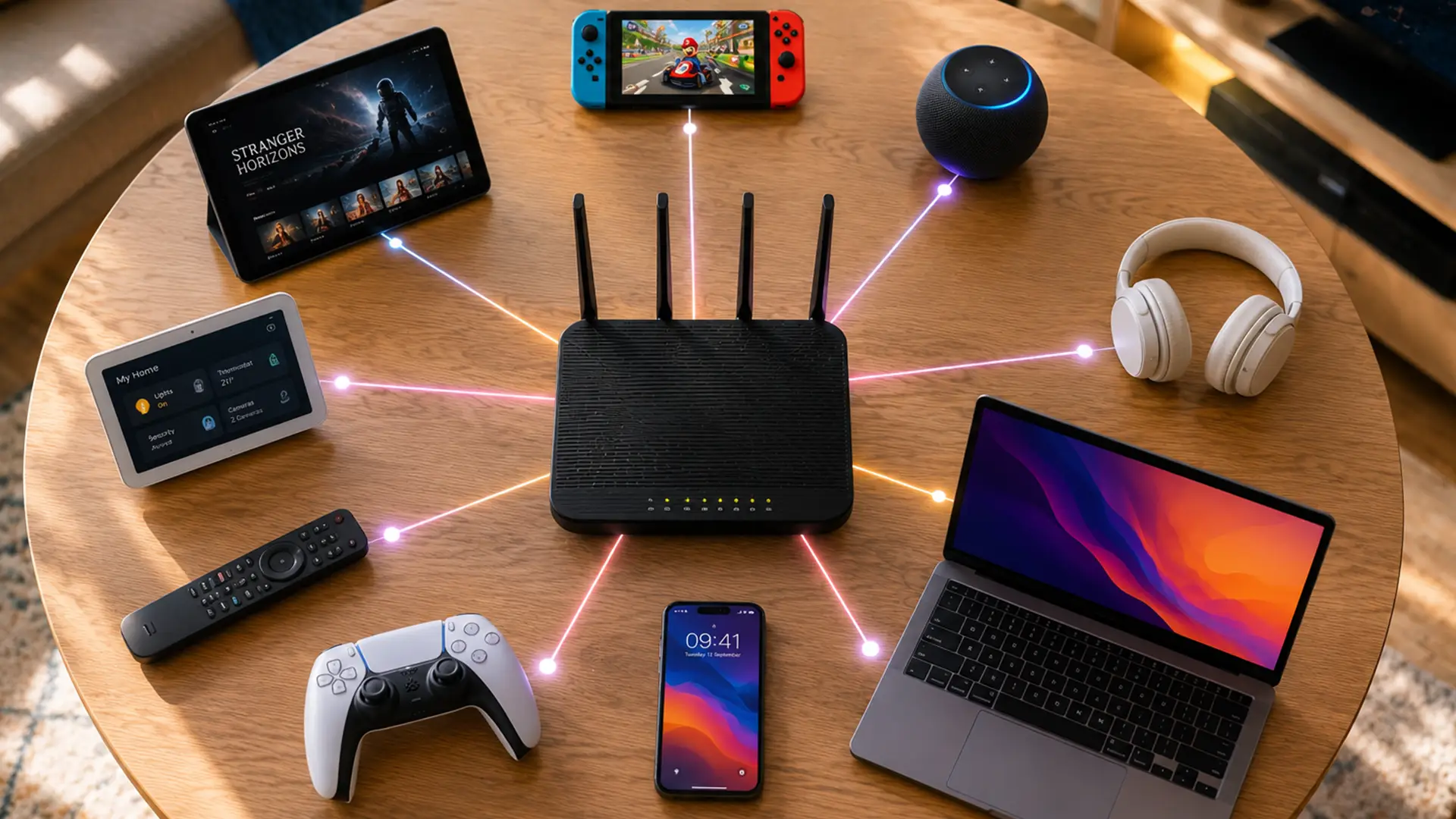
What is a router? The clue is in the name.
A router routes information.
Every click you make creates a tiny instruction. Open this page. Send this message. Refresh this app. Find this file.
Somewhere beyond your home, the answer exists. Your router helps work out how to get there and, just as importantly, how to get back.
Without it, information would have nowhere to go, no clear route to follow and no reliable way of finding its way home again.
While the name tells you what it does, the interesting part is how it does it.
How Does a Router Work?
A router's entire job can be summed up in one question: "Where next?"
Every piece of information that reaches your router arrives with a destination attached to it.
The router reads that destination, decides where the information should go and sends it on its way.
Then it does it again.
And again.
And again.
By the time you've finished reading this sentence, your router has made thousands of routing decisions.
The internet relies on countless routers performing this task continuously, helping information travel from servers and websites around the world to the device sitting in front of you right now.
How Does a Router Know Where To Send Information?
IP addresses.
Every device connected to a network is assigned an IP address, which acts a bit like a digital identifier.
When information arrives at your router, it checks where that information is supposed to go and matches it to the correct device.
Your phone has an address. Your laptop has an address. Your tablet, printer and games console all have addresses too.
The router keeps track of them all.
That way, when information returns from a website, app or online service, the router knows exactly where it belongs.
Without IP addresses, routers would have no reliable way of telling one device from another.
What Is a WiFi Router?
Routers existed before WiFi. In fact, early home networks often relied on physical cables connecting devices directly to the router.
Effective? Absolutely. Convenient? Up until someone wants to sit more than two metres away.
Thankfully, the arrival of WiFi changed that.
A WiFi router performs the same core function as any other router. It directs information between your devices and the internet.
The difference is how those devices connect.
Instead of relying solely on cables, a WiFi router creates a wireless network that devices can join from anywhere within range.
That's why your phone can connect from the sofa, your laptop can work from the kitchen table and your tablet can disappear to whichever room it was last abandoned in.
Today, WiFi comes built into most routers supplied with broadband packages. Over time, that has led to a small collection of names for essentially the same device: WiFi router, wireless router and WiFi internet router.
In most homes, they're used interchangeably. Strictly speaking, though, WiFi is the feature and routing is the job.
Router vs Modem: What's the Difference?
A router and a modem are a bit like a relay team. Neither can complete the race alone.
The modem takes the first leg, creating the connection between your home and your broadband provider.
The router takes the baton from there, directing information between that connection and the devices using it.
The reason the distinction often feels blurry is that modern broadband equipment frequently combines both functions into a single device.
It may occupy a single spot on the shelf, but it's pulling double duty.
Why Your Router Matters More Than You Think
A fast broadband connection can only do so much if the router responsible for distributing it is struggling to keep up.
That's why two households on identical broadband packages can have very different experiences.
One may enjoy reliable WiFi throughout the home. The other may be wondering why the signal disappears the moment they leave the room.
The router sits at the centre of that experience.
Its capabilities influence everything from wireless coverage and connection stability to how efficiently devices communicate with each other and the wider internet.
Broadband determines what's possible. The router plays a big role in how much of that potential you experience.
How Have Routers Changed Over Time?
The router's core job hasn't changed much. Information comes in. Information goes out. The router decides where it should go next.
What's changed is everything happening around it.
The earliest home routers were built for a very different internet. A few websites. The occasional download. An email or two.
Today's routers operate in a world of gigabit broadband, cloud services, software updates, video platforms and devices that seem determined to stay connected at all times.
As broadband speeds have increased, router technology has evolved alongside them.
Newer standards such as WiFi 6 and WiFi 7 are designed to improve efficiency, increase wireless performance and make better use of faster internet connections.
How Do You Know If Your Router Is Past Its Prime?
Routers have limits too.
As internet speeds increase and wireless technology improves, older routers can struggle to make the most of modern connections.
If your router is several years old, upgrading it can sometimes deliver a more noticeable improvement than people expect.
Some common signs your router may be ready for retirement include:
- WiFi signal that struggles to reach certain rooms
- Frequent disconnections or dropouts
- Slow wireless speeds despite having fast broadband
- Difficulty connecting newer devices
- Buffering, lag or unreliable performance at busy times
- An older router that doesn't support modern standards such as WiFi 6
Of course, not every internet issue points to the router.
But if your router has been faithfully blinking away for the best part of a decade, it may be worth asking whether it's still the right tool for the job.
If you're considering an upgrade, brands such as TP-Link offer routers designed for everything from everyday browsing to full fibre broadband.
Final Thoughts
At the start of this article, we said the clue was in the name. A router routes information.
On paper, that sounds like a fairly modest contribution.
In reality, it's helping information navigate an internet built from billions of connected devices, countless networks and an almost unreasonable amount of activity.
Every search result, website, app and online service depends on information arriving where it's supposed to.
Routers help make sure it does.
Frequently Asked Questions
Do You Need A Router If You Have WiFi?
Usually, yes.
In most homes, the router is what creates the WiFi network in the first place. If you're connected to WiFi, there's almost certainly a router involved.
The confusion comes from the fact that many people use "WiFi" and "router" interchangeably. WiFi is the wireless connection. The router is the device making that connection possible.
Is A Router And WiFi The Same Thing?
Nope.
WiFi is something a router does.
It isn't what a router is.
The router is the device responsible for directing information around your network. WiFi is simply one of the ways that information reaches your phone, laptop or tablet.
It's an easy mix-up to make, especially as most modern routers include WiFi as standard.
Where Is My Router Located?
The answer varies from home to home.
Routers are often placed near the point where your broadband connection enters the property. That could be in a living room, hallway, study or near a master telephone socket.
If you're not sure where yours is, look for a small box with antennas or flashing lights that's connected to your broadband line.
It's usually hiding in plain sight.
What Is The Difference Between A Router And A Modem?
A modem connects your home to your broadband provider's network.
A router takes that connection and directs it to the devices that need it.
They perform different jobs, but modern broadband equipment often combines both functions into a single device.
That's why many people don't realise they're using both.
What Does A Router Do?
A router directs information between your home network and the wider internet.
Whenever you load a website, open an app or send a message, the router helps ensure information reaches the right destination and finds its way back to the correct device.
Its entire purpose is helping information get from where it is to where it needs to be.
Do I Need A Router For Broadband?
For most households, yes.
While some devices can connect directly to a modem, a router is what allows multiple devices to share the same broadband connection and access the internet at the same time.
It's also what creates the WiFi network most homes rely on every day.
Can You Use The Internet Without A Router?
Technically, yes.
A single device can often connect directly to a modem.
In practice, however, most homes use a router because it allows multiple devices to connect, creates a WiFi network and helps manage internet traffic more efficiently.
Does A Better Router Improve WiFi?
It can.
While a router can't increase the speed of your broadband package, it can help you get more from the connection you already have.
How Often Should You Replace A Router?
There's no fixed rule, but many households replace their router every five to seven years.
If your router is struggling with coverage, dropping connections or missing newer WiFi standards, it may be worth considering an upgrade.
Technology moves on. Routers do too.
What Is A WiFi Router?
A WiFi router is a router that shares an internet connection wirelessly.
Instead of relying entirely on cables, it creates a wireless network that phones, laptops, tablets and other devices can connect to.
Today, most routers supplied with broadband packages are WiFi routers.
