
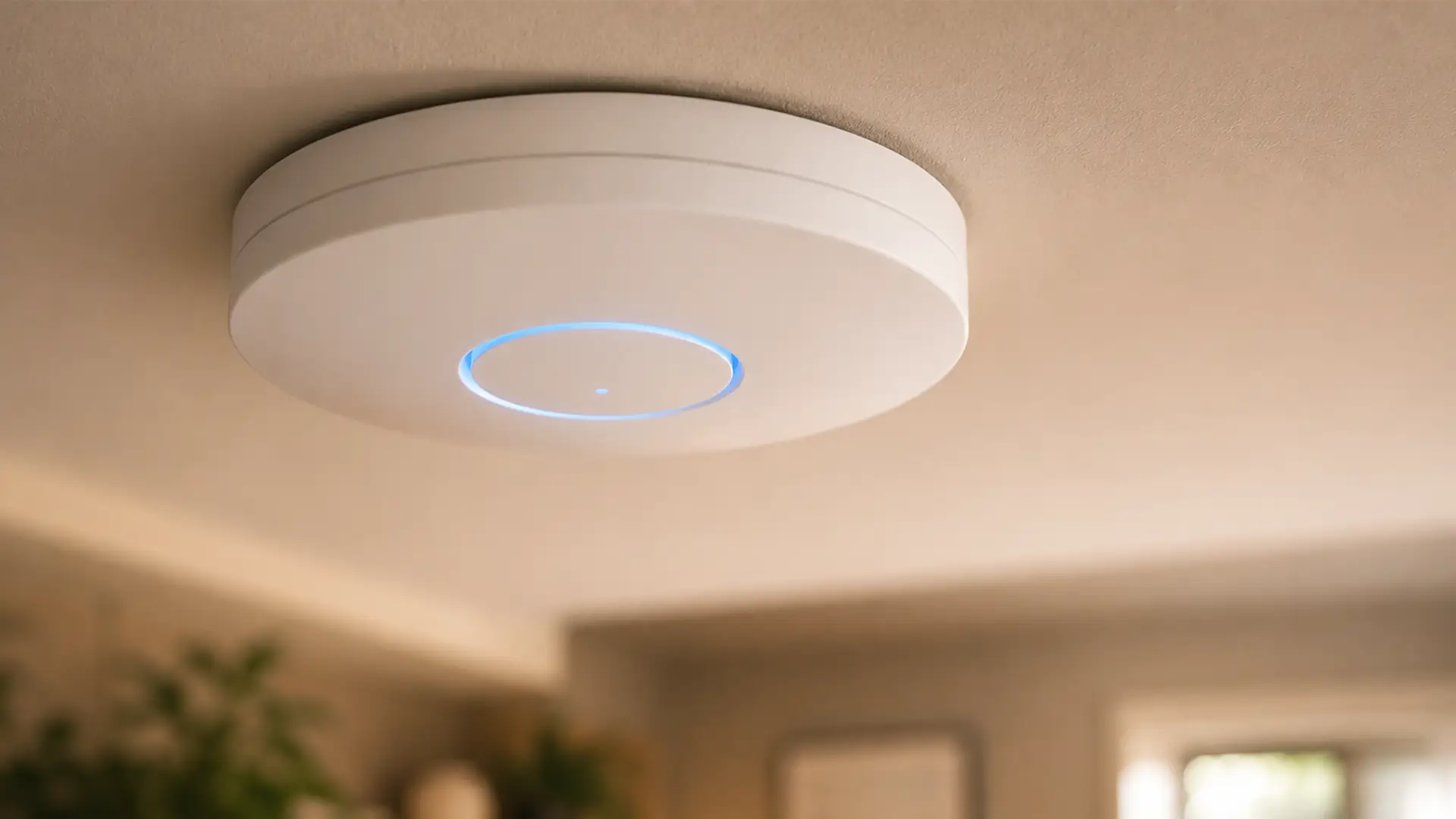
Your router works hard.
Really hard.
It's expected to blast Wi-Fi through walls, upstairs, downstairs, into the spare bedroom, the garden office and, if you're lucky, the patio too.
That's a pretty tall order for one little box.
The further your Wi-Fi has to travel, the more obstacles it runs into. Walls, floors and distance all chip away at your signal, leaving some areas with slower speeds and frustrating dead spots.
Thankfully, your router can call for reinforcements.
Enter access points.
What Is An Access Point?
An access point (AP) is exactly what the name suggests: another point where your devices can access your Wi-Fi.
Instead of expecting one router to cover every corner of your home, an access point joins your existing network and picks up the slack, giving your coverage a second wind wherever the signal starts to thin out.
Once wired to your router, it creates a new Wi-Fi hotspot, bringing a stronger, more dependable signal to the nooks and crannies your router can't quite reach.
Since it's all one network, your devices automatically connect to the strongest signal, keeping everything running smoothly as you move around your home.
How Does an Access Point Work?
An access point plugs directly into your router using an Ethernet cable.
That wired connection carries both data and, in many cases, power too (using Power over Ethernet), allowing the access point to create a new Wi-Fi signal somewhere your router struggles to reach.
For you, it's business as usual. Your devices still connect to the same Wi-Fi name with the same password, automatically using the strongest signal as you move around your home.
Your router takes care of the internet connection, while the access point focuses on extending your Wi-Fi into the places that need it most.
What is the Difference Between an Access Point and a Wi-Fi Router?
A router is essential. An access point is optional.
Your router creates the Wi-Fi network. An access point gives you another place (or point) to access it.
Who knew networking could be so literal?
Your Wi-Fi Router:
- Connects your home to the internet
- Creates and manages your Wi-Fi network
- Assigns IP addresses to your devices
- Directs network traffic around your home
- Usually comes from your broadband provider
A Wireless Access Point:
- Connects to your existing router
- Extends Wi-Fi coverage into weak signal areas
- Broadcasts additional Wi-Fi from your existing network
- Helps more devices stay connected reliably
- Usually added when you need better coverage
Wireless Access Point vs Mesh Wi-Fi
Both solve the same problem: getting better Wi-Fi where your router falls short.
The difference lies in how they go about it.
An access point connects back to your router using an Ethernet cable, giving it a fast, stable connection before broadcasting Wi-Fi in another area. Because it's wired, it's often the best choice if you want maximum performance.
A mesh Wi-Fi system uses multiple wireless nodes that work together to create one seamless network across your home. It's easier to set up, especially if running Ethernet cables isn't practical.
In short:
- Choose an access point if you can run Ethernet cables and want the fastest, most reliable Wi-Fi.
- Choose mesh Wi-Fi if you want simple installation and whole-home coverage without extra wiring.
Where Should You Place a Wireless Access Point?
The obvious temptation is to install an access point where your Wi-Fi is weakest.
In reality, it works much better if you move it back a little.
Place it where your existing signal is still reasonably strong, and it'll do a much better job of improving the rooms beyond.
It's also worth resisting the urge to hide it. Cupboards, shelves packed with books and large pieces of furniture can all get in the way of your Wi-Fi.
Adding more than one? Let each access point's signal overlap a little so your devices can move around the house without constantly reconnecting.
What is Better, A Wi-Fi Extender or An Access Point?
A Wi-Fi extender acts as a middleman, receiving your router's Wi-Fi before passing it on to areas with weaker coverage.
An access point acts as another source of Wi-Fi altogether, creating a strong local connection rather than extending the original one.
A Wi-Fi extender:
- Connects to your router wirelessly
- Is quick and easy to install
- Works well for smaller homes
- Can reduce wireless performance
A wireless access point:
- Connects via an Ethernet cable
- Creates fast, reliable Wi-Fi coverage
- Is ideal for larger properties
- Handles demanding networks more effectively
Can You Have More Than One Wireless Access Point?
You can, and for larger homes it's often the best option.
Instead of relying on one Wi-Fi signal to cover every room, multiple access points give different areas of your home their own strong connection.
If your needs change in the future, it's easy to expand by adding another access point when you need one.
What is a Wireless to Wireless Access Point?
A wireless-to-wireless access point skips the Ethernet cable altogether, connecting to your existing Wi-Fi network instead.
That's great news if running cables through walls, ceilings or across an office just isn't an option.
The trade-off is that a wireless connection is generally less reliable than a wired one, so speeds and stability can vary depending on distance, obstacles and interference.
Keep exploring the world of wireless networking and you'll soon run into terms like wireless bridge, wireless backhauland point-to-point connection.
Networking does love its jargon, but they all share a common goal: connecting devices or networks without the need for physical cables.
Is An Access Point Right For Your Home?
If you're happy with your broadband speeds but not your Wi-Fi, a wireless access point could be exactly what your home network needs.
It's an excellent option if you:
- Have a larger home
- Work from home
- Stream films and TV in multiple rooms
- Play online games
- Have lots of smart home devices
- Need dependable Wi-Fi in an extension, garage or garden office
Final Thoughts
A wireless access point isn't the right solution for every home, but if your broadband is fast and your Wi-Fi keeps letting you down, it's one of the first things worth considering.
Instead of paying for a faster package you may not need, extending your Wi-Fi coverage could be all it takes to enjoy a more stable and consistent connection throughout your home.
Frequently Asked Questions
Does an Access Point Increase Internet Speed?
Yes... and no.
An access point doesn't increase the speed coming into your home. Your broadband package still determines your maximum internet speed.
What an access point does improve is your Wi-Fi performance. By bringing a stronger signal closer to your devices, it helps reduce slow speeds caused by distance, thick walls and poor coverage.
So while your broadband isn't any faster, your connection can certainly feel like it is.
Does an Access Point Need an Ethernet Cable?
Most wireless access points work best with an Ethernet connection to the router. Some models support wireless uplinks, but a wired connection generally provides faster speeds and greater reliability.
Can I Use an Old Router as an Access Point?
Many routers include an access point mode.
If supported, you can repurpose an older router to provide additional Wi-Fi coverage instead of buying a dedicated access point.
Is an Access Point Better for Gaming?
If your gaming setup is in a room where the Wi-Fi struggles, then absolutely.
An access point won't improve your reaction times overnight or make you better at your favourite game (sorry), but it can give your console or PC a much stronger, more reliable connection.
For the best performance, though, nothing beats plugging directly into your router with an Ethernet cable.
