
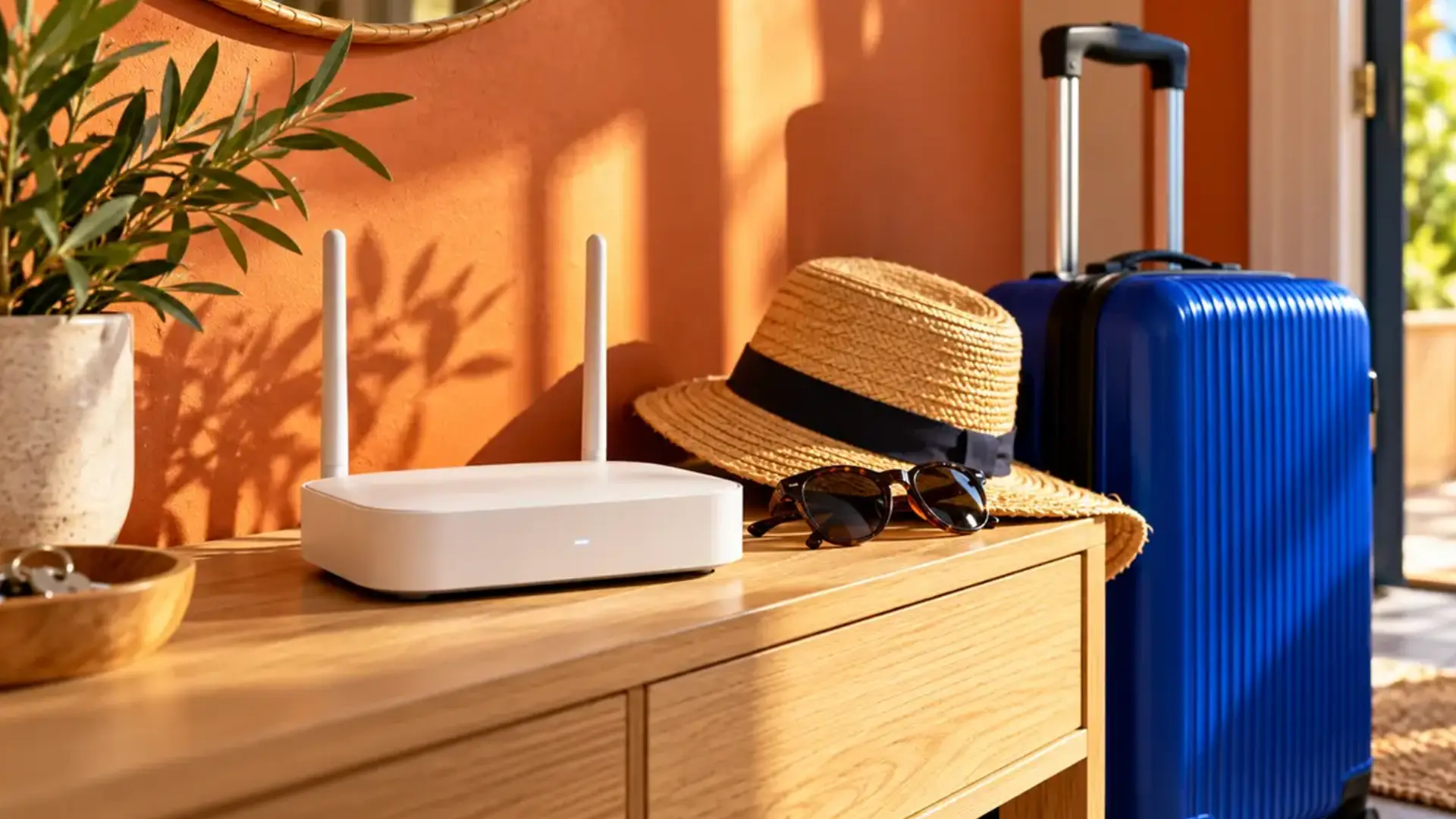
Passport found. Bags almost packed. Before you head off, there’s one more thing to check: does your WiFi need to stay on?
Your house might be empty, but some devices could still need the internet. Security cameras, smart-home controls and digital landlines can all depend on your router staying connected.
If nothing needs broadband while you’re away, switching it off could save a little electricity. The right choice depends on your setup and your provider’s guidance.
We’ll help you work out what needs to stay on and what you can switch off.
If you’re planning to check your cameras while you’re away, start by testing your connection before you leave. Our broadband speed test checks your download speed, upload speed and ping.
When to Leave Your Router Switched On
An empty house can still need an internet connection. Check these devices before reaching for the plug.
- Security cameras and video doorbells: Remote viewing, notifications and cloud recording may stop. Local recording depends on the device.
- Connected alarms and monitoring: Internet alerts or monitoring may stop. Some systems have independent mobile backup; check with the supplier.
- Smart heating and lighting: Control through an app may stop. Existing schedules and local controls depend on the system.
- Digital landline: Calls through your broadband connection stop when the equipment they need is powered off.
For example, a camera may keep recording to a memory card without broadband, but you might lose the ability to view it from your phone. A smart thermostat may continue its schedule while losing remote control. Check the manufacturer's instructions for your particular device.
If anyone will be staying at home, leave the connection available for them. Keep equipment needed for a care alarm or other essential service powered and connected, and check with the service provider before changing its setup.
Ofcom explains that digital landlines work over broadband and need power. On full fibre, this can include both the router and the optical network terminal, or ONT: the powered fibre box where the connection enters your home.
When Switching It Off Can Make Sense
If nobody is staying at home and you have checked that no essential device or service needs broadband, you can consider switching the router off for your trip. The saving grows with the length of your holiday and the amount of power your equipment uses.
There is no universal rule that a router should be switched off after seven days. Your home's requirements matter more than whether you are away for a weekend or a fortnight. Follow any specific advice from your broadband provider.
Turning Off WiFi and Switching Off Your Router Are Different
WiFi is the wireless connection between your devices and your router. Some routers let you disable their WiFi signal while keeping the router powered on. Devices connected by Ethernet may still have internet access, but wireless cameras, smart plugs and other WiFi devices will lose their connection.
Switching off the router's power stops the connections it provides, including Ethernet connections and any phone service that depends on it. On full fibre, the ONT is separate equipment that also needs power for the connection to work.
Mesh WiFi adds another consideration. Your cameras may connect through a satellite node, so switching off that node can put them out of reach even if the main router stays on. Check the whole setup rather than just one plug.
How Much Electricity Could You Save
You can estimate the saving using your router's measured power use, the time it will be switched off and your electricity unit rate.
Divide the power use in watts by 1,000 to get kilowatts. Multiply that by the hours switched off, then by your electricity price per kilowatt-hour, or kWh.
For illustration, take a router that uses 10 watts continuously and electricity priced at 25p per kWh. These are example figures, not a forecast of 2027 tariffs or a measurement of your router.
- 7 days switched off: 1.68 kWh of electricity saved, with an example saving of 42p.
- 14 days switched off: 3.36 kWh of electricity saved, with an example saving of 84p.
- 30 days switched off: 7.20 kWh of electricity saved, with an example saving of £1.80.
Your result will vary. A plug-in energy monitor can measure actual consumption; the rating on a power adaptor is not necessarily the amount the router uses. If you also switch off other equipment, calculate its consumption separately.
For a short holiday, the saving may be small enough that keeping cameras and other useful devices online is the better choice for your home. Switching off also leaves your electricity standing charge and normal broadband subscription unchanged.
What WiFi 6 and WiFi 7 Change
WiFi 6 improves how a wireless network handles multiple devices. One feature, Target Wake Time, can help compatible devices conserve battery by scheduling when they communicate. It does not mean your router switches itself off when you go away.
WiFi 7 adds features such as Multi-Link Operation, which can let compatible devices use more than one wireless band. Those performance features do not remove the need to check passwords, security settings and software updates.
The WiFi generation and the security mode are separate things to check. Look for WPA3-Personal in your settings if your router and devices support it. Test older smart devices after any change, as compatibility can vary.
There is no need to buy a WiFi 7 router just because you are going on holiday. A supported router with suitable settings is what matters. To understand the technology, read our WiFi 6 guide.
How to Keep Your Home WiFi Secure While You Are Away
If you are leaving the connection on, check its security before you leave:
- Install router and smart-device updates, or check how your provider supplies them. Allow time to test everything afterwards.
- Use a strong, unique WiFi password and a different password for the router's admin settings. Replace any shared default admin password.
- Use WPA3-Personal where supported. If a device needs WPA2, use a suitable WPA2-AES configuration and follow the manufacturer's compatibility guidance. Avoid outdated WEP and original WPA security.
- Disable internet access to the router's admin controls if you do not need it. This setting is different from using a camera's app to view your home remotely.
- Enable two-step verification on camera and smart-home accounts where available.
- Check that your router and connected devices still receive security updates.
If older devices stop connecting after a security change, resolve that before your trip. Our WPA2 vs WPA3 guide explains the options, and our home WiFi security guide covers the wider setup.
Powering a router off makes its network connection unavailable while it is off. You still need secure settings and updates when it comes back online. The NCSC's smart-device guidance explains how updates and account protection help keep connected devices secure.
Energy Saving Tips When Your Router Needs to Stay On
You can look for smaller savings while keeping essential devices connected:
- Check whether your specific router has an eco mode. Some supported TP-Link models do, but features vary by model and firmware. A lower power mode may reduce wireless range or speed, so test cameras and other devices before leaving.
- Check what a WiFi schedule actually switches off. A schedule that disables the wireless signal can disconnect devices you wanted to keep online.
- Switch off entertainment equipment you will not need, such as TVs or games consoles, after checking that you do not need their remote functions. Keep the equipment used by alarms, cameras and essential services connected.
An upgrade to WiFi 6 or WiFi 7 alone does not tell you whether a router uses less electricity. Compare measured consumption and the features you actually need.
Your Broadband Checklist Before a Holiday
- List the devices and services that need to work while you are away, including anything connected by Ethernet.
- Check their instructions and any broadband-provider guidance before deciding what to switch off.
- Update the router and smart devices early enough to test them afterwards.
- Test remote camera viewing and smart-home controls using your phone's mobile data, with its WiFi switched off.
- Run a broadband speed test and check the camera manufacturer's connection requirements. A speed test alone cannot confirm that every camera or app will work.
- If you leave equipment on, keep it ventilated, following the manufacturer's placement guidance. Resolve faults or damaged power supplies before travelling.
Getting Connected When You Return
If you switched equipment off, restore power and let it finish starting up. On full fibre, the ONT and router both need to be powered for internet access. Check your provider's startup instructions.
Use the normal power controls, rather than the factory-reset button. A factory reset can remove settings. Once you are back online, check your cameras and any updates that became available during your holiday.
Ready for Better Broadband at Home?
If the pre-holiday checks reveal a connection that struggles with everyday use, our speed-test guide can help you understand the result. Comparing WiFi with an Ethernet test can help you work out where to investigate next.
Thinking about switching to full fibre? See what is available at your address and find a package built around the way you use the internet.
Frequently Asked Questions
Is It OK to Leave a Router on All the Time?
Home routers are generally intended to stay on for normal use. Follow your model's instructions, keep it ventilated and check that it still receives security updates.
Should I Unplug My Router for a Two Week Holiday?
You can consider it if nothing needs broadband while you are away and it suits your provider's guidance. Leave it on for connected cameras, essential monitoring or anyone staying at home.
Will Switching Off WiFi Reduce My Broadband Bill?
Switching off equipment does not pause a normal broadband subscription. It can reduce electricity consumption; disabling only the WiFi signal usually saves less than powering off the whole router.
Will My Security Camera Work Without WiFi?
It depends on the camera. Some support local recording or a separate mobile connection. Features such as remote viewing, notifications and cloud recording may need your home broadband. Check the model's instructions.
Can I Switch My Router Back On Remotely?
Usually, you cannot use a router's app to restart equipment that has no power or network connection. Remote power control needs its own working connection, so plan this before leaving.
Do I Need WiFi 7 to Keep My Home Secure?
No. Security also depends on software support, passwords and the security mode your router uses. Check WPA3 compatibility and keep the router and connected devices updated.
