
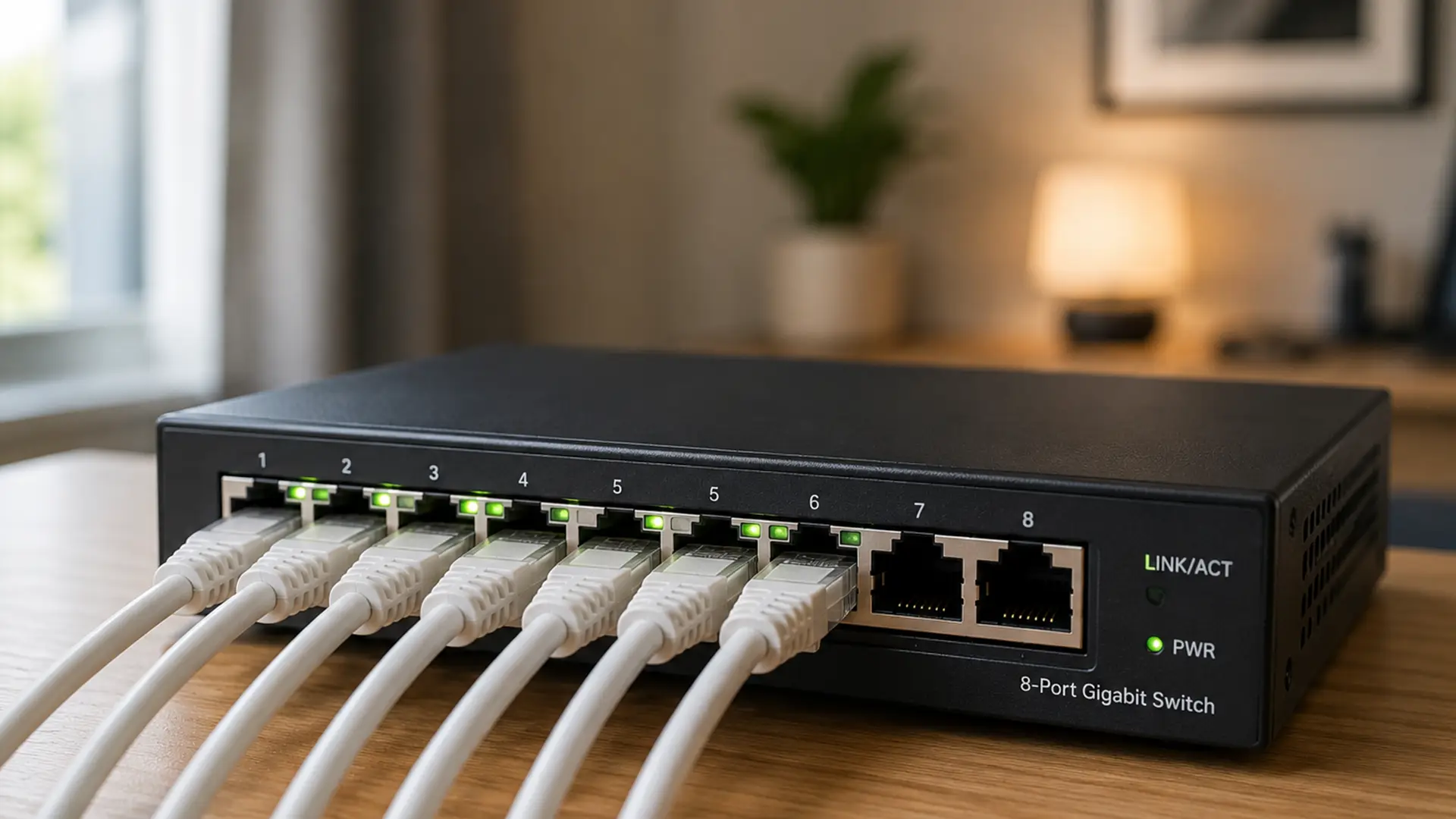
Take a look behind your TV, under your desk or next to your broadband router and you might spot a small box with a row of Ethernet ports.
What you’re looking at is a network switch.
See those blinking lights? They're showing data moving around your network in real time.
Every flicker is information being sent from one device, received by the switch and forwarded to the device that needs it.
The faster the lights blink, the busier your network is.
Let's plug into how network switches work, why they matter and when you might need one.
How Does a Network Switch Work?
Every device connected to a network has its own unique hardware address, known as a MAC (Media Access Control) address.
As devices connect, the network switch learns each MAC address and builds a table showing which device is connected to which port.
When data arrives, the switch checks its destination, looks up the correct MAC address and forwards the data only to the port where that device is connected.
Unlike older networking devices which send every piece of data to every connected device, a switch delivers information only where it's needed.
Every time it makes that decision, your network becomes a little more efficient.
Over thousands of data transfers, those small gains quickly add up:
- Faster communication between devices
- Less network congestion
- Better overall performance
- Improved reliability, even on busy networks
What Does a Network Switch Do?
A network switch helps devices on the same Local Area Network (LAN) communicate with one another.
You'll find network switches hard at work in all kinds of environments, including:
- Connecting multiple desktop computers
- Sharing network printers between users
- Keeping smart TVs and games consoles on reliable wired connections
- Connecting NAS devices for centralised storage
- Expanding networks when a router runs out of Ethernet ports
Many broadband routers include a small built-in switch, typically with four Ethernet ports.
If you need more wired connections, adding a separate switch is an easy way to expand your network.
Network Switch vs Router
Understanding the difference between a switch and a router makes it much easier to build, troubleshoot and expand a network.
Network Switch
- Connects multiple wired devices on the same local network.
- Uses MAC addresses to send data to the correct device.
- Expands the number of Ethernet ports available.
- Helps devices like PCs, printers, NAS drives and smart TVs communicate with each other.
- Doesn't provide an internet connection on its own.
Router
- Connects your local network to the internet.
- Uses IP addresses to send traffic between different networks.
- Manages internet access for every connected device.
- Often includes built-in features like Wi-Fi, DHCP and a firewall.
- Acts as the gateway between your home network and the outside world.
- For most homes, your broadband router does a bit of both. It connects your home to the internet while its built-in network switch provides a handful of Ethernet ports for wired devices.
- If you need to connect more devices than your router allows, simply adding a dedicated network switch gives you extra ports without replacing your existing setup.
Network Switch vs Hub
Network hubs may have come first, but network switches quickly became the smarter choice.
Network Hub
- Sends every piece of data to every connected device, whether it needs it or not.
- Creates unnecessary network traffic.
- Can slow performance as more devices are added.
- Is rarely used in modern networks.
Network Switch
- Sends data only to the device it's intended for.
- Reduces unnecessary network traffic.
- Delivers faster, more efficient performance.
- Is the standard choice for homes and businesses today.
- Network hubs certainly had their moment, but when it comes to speed, efficiency and reliability, network switches took over long ago.
Types of Network Switches
Unmanaged Switches
An unmanaged switch is ready to use straight out of the box.
Simply plug in your Ethernet cables and you’re good to go.
They're a great fit for:
- Home networks
- Small offices
- Gaming setups
- Smart home devices
Managed Switches
If an unmanaged switch is a plug-and-play solution, a managed switch gives you the keys. It lets you fine-tune how your network runs, making it easier to optimise performance, monitor activity and protect connected devices.
Features often include:
- Virtual LANs (VLANs)
- Traffic prioritisation (Quality of Service or QoS)
- Network monitoring
- Enhanced security settings
- Link aggregation for higher bandwidth
They're a popular choice for businesses and organisations where network performance and security are a top priority.
Smart (Web-Managed) Switches
Smart switches strike a balance between unmanaged and fully managed models.
They offer useful management features through an easy-to-use web interface, giving you more control without the complexity of enterprise networking.
When Do You Need a Network Switch?
A network switch could be the right choice if you:
- Your router doesn't have enough Ethernet ports
- You want faster, more reliable wired connections
- You have several desktop PCs or workstations
- You use a NAS for file storage or backups
- You stream high-quality video across your home network
- You want stable connections for online gaming
- Your office is growing and needs more wired devices
If you're running out of Ethernet ports, adding a switch is one of the quickest and most cost-effective ways to expand your network
Do Network Switches Affect Internet Speed?
A network switch is designed to improve your local network, not your internet connection.
That means you won't see faster download speeds from your broadband provider.
What you will get is faster communication between compatible wired devices, making activities like file sharing, backups and media streaming much more efficient.
To get the best performance, ensure:
- Your switch supports Gigabit Ethernet (or faster).
- Your router supports the same speeds.
- You use suitable Ethernet cables, such as Cat5e, Cat6, or Cat6a where appropriate.
- Your connected devices also support Gigabit networking.
Choosing the Right Network Switch Speed
Network switches come in a range of speeds, with each one designed to suit different homes, businesses and workloads.
Here's a quick guide:
- 100 Mbps (Fast Ethernet) - Found mainly on older hardware and legacy networks. Perfectly usable for basic tasks, but showing its age by today's standards.
- 1 Gbps (Gigabit Ethernet) - The most common choice for homes and small businesses, offering more than enough speed for streaming, gaming, video calls and everyday internet use.
- 2.5 Gbps - A great step up for homes with ultrafast broadband or lots of connected devices. Ideal if you're starting to outgrow Gigabit Ethernet.
- 5 Gbps - Built for more demanding workloads, such as editing large media files, running powerful workstations or transferring data at high speed.
- 10 Gbps - Designed for businesses, servers, NAS devices and enterprise networks where moving huge amounts of data quickly is part of everyday life.
Gigabit switches are the go-to choice for most people, delivering plenty of speed for everyday networking without stretching your budget.
Final Thoughts
Next time you walk past a network switch, take a second look at those blinking lights. They’re a live view of your network at work, with thousands of pieces of data arriving, leaving and reaching the devices that need them.
Pretty cool if you ask us.
Frequently Asked Questions
Is a Network Switch the Same as a Router?
No. A router connects your network to the internet, while a switch connects devices within the same local network.
Can I Connect a Switch to My Router?
Yes. Simply connect an Ethernet cable from your router to the switch, then plug additional devices into the switch.
Does a Network Switch Improve Wi-Fi?
Not directly. A switch improves wired networking. However, it can support better Wi-Fi if it's used to connect wired wireless access points.
Do I Need a Managed Switch at Home?
Most households don't. An unmanaged Gigabit switch is usually all that's needed for expanding wired connections.
What Is a Network Switching Subsystem?
A network switching subsystem is the collection of switching components, technologies and management systems that handle traffic flow across a network environment.
How Many Devices Can a Network Switch Support?
Switches are available with different numbers of ports, commonly 5, 8, 16, 24, or 48. Larger networks can also link multiple switches together to support even more devices.
What Is Network Switching?
Network switching is the process of directing data between devices on a network using intelligent forwarding techniques that reduce unnecessary traffic and improve performance.
What Is a Switch of Network?
A switch of network refers to the switching device responsible for managing communication between connected devices within a network infrastructure.
