
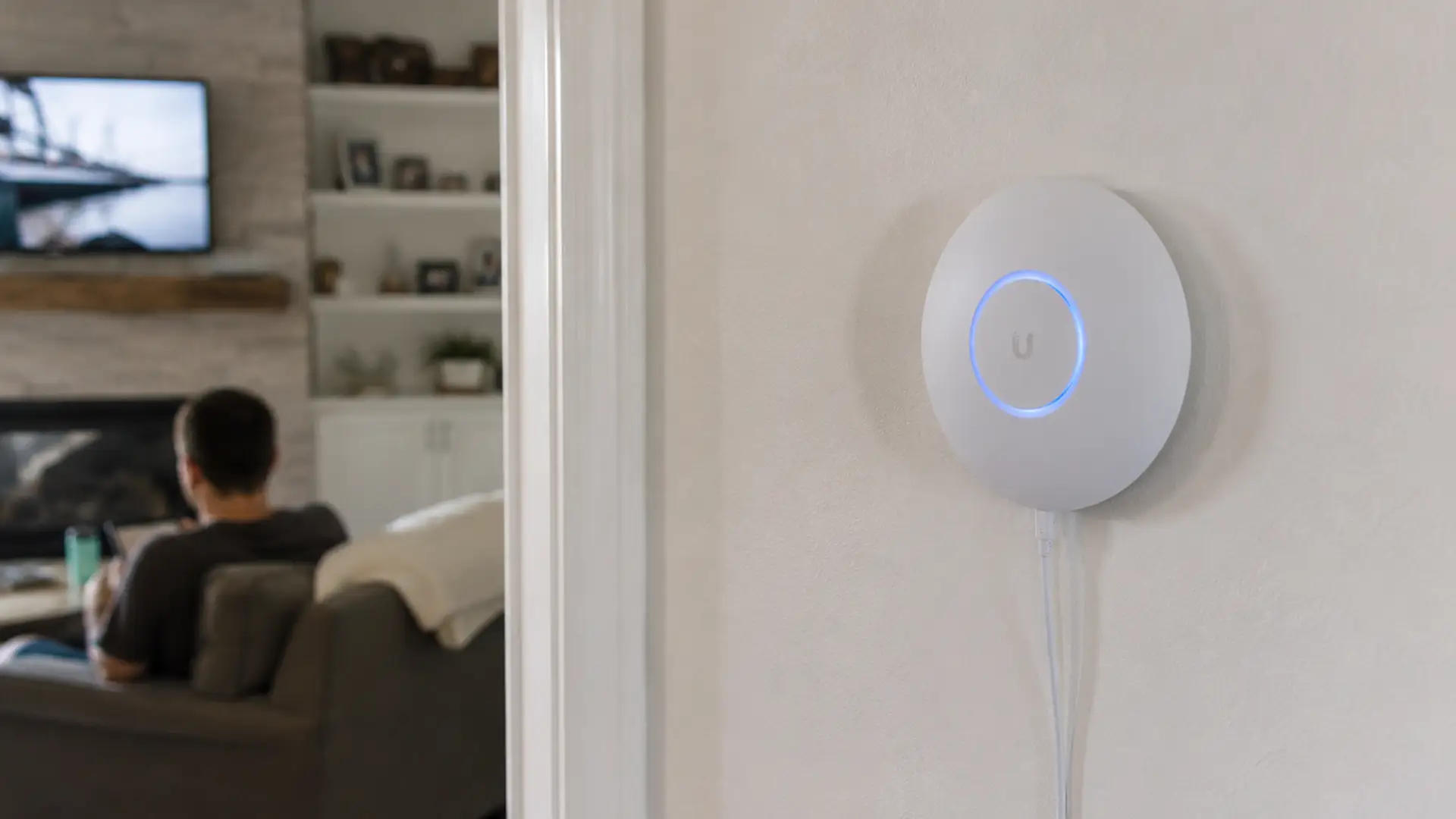
Great Wi-Fi shouldn't stop at the living room. It should follow you from room to room without missing a beat.
Unfortunately, homes are full of things Wi-Fi doesn't love. Thick walls, solid floors, metal objects and awkward layouts can all weaken your signal as it travels around your home.
That's why your connection can be flying in one room and crawling in the next. The good news is most Wi-Fi coverage problems are much easier to fix than people think.
In this guide, we'll show you how to get your Wi-Fi punching through walls, banish those annoying dead spots and enjoy a stronger, more reliable connection in every corner of your home.
No sledgehammers or demolition crew involved. Promise.
Why Walls Block Wi-Fi in the First Place
Wi-Fi works by sending radio signals from your router to your devices.
The problem is that those signals weaken every time they pass through an obstacle.
Some materials are worse offenders than others:
- Brick walls
- Concrete walls
- Metal structures
- Underfloor heating systems
- Mirrors
- Large appliances
- Water tanks
The more barriers between your router and your device, the weaker your connection becomes.
Move Your Router Somewhere Smarter
Sometimes the easiest solution is the best one.
Many routers end up hidden away:
- Behind the TV
- In a cupboard
- Under a desk
- Tucked into a corner
Unfortunately, hiding your router often means hiding your Wi-Fi signal too.
The Best Place For Your Router
Put it:
- As close to the centre of your home as possible
- Up high on a shelf or unit
- Out in the open
- Away from thick walls and large metal objects
Wi-Fi likes open spaces. Give it a clear route around your home and it'll go much further.
If you're eager to learn the dos and don'ts of router placement, our guide on where to place your router for the best WiFi signal has you covered.
Keep It Away From Signal Killers
Some household items are absolute nightmares for Wi-Fi.
Common culprits include:
- Microwaves
- Baby monitors
- Bluetooth devices
- Cordless phones
- Fish tanks
- Large mirrors
Moving your router even a couple of metres away from these sources of interference can make a noticeable difference.
Sometimes, better Wi-Fi is simply a matter of putting a little distance between your router and everything working against it.
Switch to the Right Wi-Fi Band
Most modern routers broadcast two frequencies:
2.4GHz
- Travels further
- Handles walls better
- Slightly slower speeds
5GHz
- Faster speeds
- Lower interference
- Doesn't travel through walls as well
If speed is your priority, 5GHz comes out on top.
It has access to more wireless channels and a wider slice of the wireless spectrum, allowing it to carry more data at once. What that means for you is faster speeds and better performance when you're streaming, gaming or juggling multiple devices.
Despite its perks, higher-frequency signals like 5GHz don't travel incredibly far and are more easily weakened by walls, floors and other obstacles.
This is where 2.4GHz comes into its own. While it can't move as much data as quickly, its lower-frequency signal travels further and does a better job of reaching rooms that are further from the router.
In other words, 5GHz is built for speed. 2.4GHz is built for reach.
Most modern routers use both bands together, helping devices strike the right balance between performance and coverage. For a closer look at the strengths, weaknesses and performance of each band, read our guide to 2.4GHz vs 5GHz WiFi.
Upgrade Your Router
Even the fastest broadband can only perform as well as the router powering it.
Older routers often struggle to:
- Cover larger homes
- Handle multiple devices
- Deliver consistent speeds through walls
Modern Wi-Fi 6 and Wi-Fi 6E routers are built for busy households packed with:
- Streaming
- Gaming
- Video calls
- Smart home devices
We think your router should keep up with your broadband. That's why every Fusion Fibre Group router comes with WiFi 6 built in.
Add a Wi-Fi Extender
If there's one room in the house where WiFi always seems to give up, a WiFi extender could be worth a look.
These handy devices pick up the signal from your router and rebroadcast it further around your home, helping to reach areas your router struggles to cover on its own.
They're typically affordable, straightforward to set up and can be a quick fix for frustrating dead spots.
As with all good things in life, though, there is a catch.
Because extenders have to receive the signal before passing it on, they're effectively adding another stop to the journey. That extra step can sometimes reduce speeds, particularly if the original signal reaching the extender is already weak.
So while a WiFi extender can be great for improving coverage, it isn't always the best solution if maximum speed is your top priority.
Consider a Mesh Wi-Fi System
For larger homes, mesh Wi-Fi is often the gold standard.
Instead of relying on one router, a mesh system uses multiple nodes placed around your home.
Together they create one seamless network.
That means:
- Better coverage
- Fewer dead zones
- Stronger connections through walls
- Automatic device handoffs as you move around
In short, your Wi-Fi goes where you go. Discover how in our guide to mesh WiFi.
Update Your Router's Firmware
Before you start moving furniture around, it's worth checking whether your router is running the latest software.
Router manufacturers regularly release updates that improve:
- Performance
- Stability
- Security
- Device compatibility
A quick firmware update could solve issues you didn't even realise were affecting your signal.
Change Your Wi-Fi Channel
If you live in a flat, apartment building or densely populated area, your neighbours' Wi-Fi networks could be causing interference.
Routers operate on channels. When lots of nearby networks use the same channel, congestion happens.
It's a bit like everyone trying to squeeze through the same supermarket checkout.
Switching to a less crowded channel can improve performance and signal quality. Many modern routers do this automatically.
Reduce Device Congestion
The average home now has dozens of connected devices. All of them compete for bandwidth.
Disconnecting devices you don't use regularly can go a long way in improving network performance across the board.
Old phones, spare laptops, unused smart TVs, tablets gathering dust and rarely used smart home gadgets can all add to the load. A quick digital declutter could be all it takes to lighten the burden on your network.
Check Whether It's a Broadband Problem
There’s a possibility that the issue could lie with your broadband connection itself.
You can have perfect Wi-Fi coverage and still experience:
- Slow downloads
- Lagging streams
- Video call dropouts
If your broadband package can't keep up with your household's demands, moving the router won't solve much.
In this case, upgrading your broadband is likely to have a bigger impact than any Wi-Fi tweak. Conveniently, we happen to know a broadband provider.
Better Wi-Fi Starts With Better Broadband
You can optimise your router placement. You can upgrade your equipment. You can build a beautifully engineered mesh network. But if the broadband coming into your home isn't up to scratch, there's only so much your Wi-Fi can do.
Think of it like putting racing tyres on a car with a tiny engine. You'll improve things, but only up to a point.
For the best experience, strong Wi-Fi needs a fast, reliable broadband connection behind it.
Ready to see what full fibre could do for your home?
Frequently Asked Questions
Can Wi-Fi Pass Through Brick Walls?
Yes, but brick significantly weakens Wi-Fi signals. Thick brick walls can reduce coverage and speed, especially when multiple walls sit between your router and device.
What's the Best Way to Get Wi-Fi Through Thick Walls?
The most effective solution is usually a mesh Wi-Fi system. Mesh networks place multiple access points around your home, helping maintain a strong signal even through dense materials.
Do Wi-Fi Boosters Actually Work?
Yep. Wi-Fi boosters and extenders can improve coverage in hard-to-reach areas. However, they may reduce speeds compared with a full mesh system.
Is 2.4GHz Better than 5GHz Through Walls?
Generally. The 2.4GHz band travels further and penetrates walls more effectively than 5GHz, although maximum speeds are usually lower.
Why is My Wi-Fi Strong in One Room but Weak in Another?
Walls, furniture, building materials, interference and distance from the router can all affect signal strength. Even rooms that seem close together can experience dramatically different performance.
