
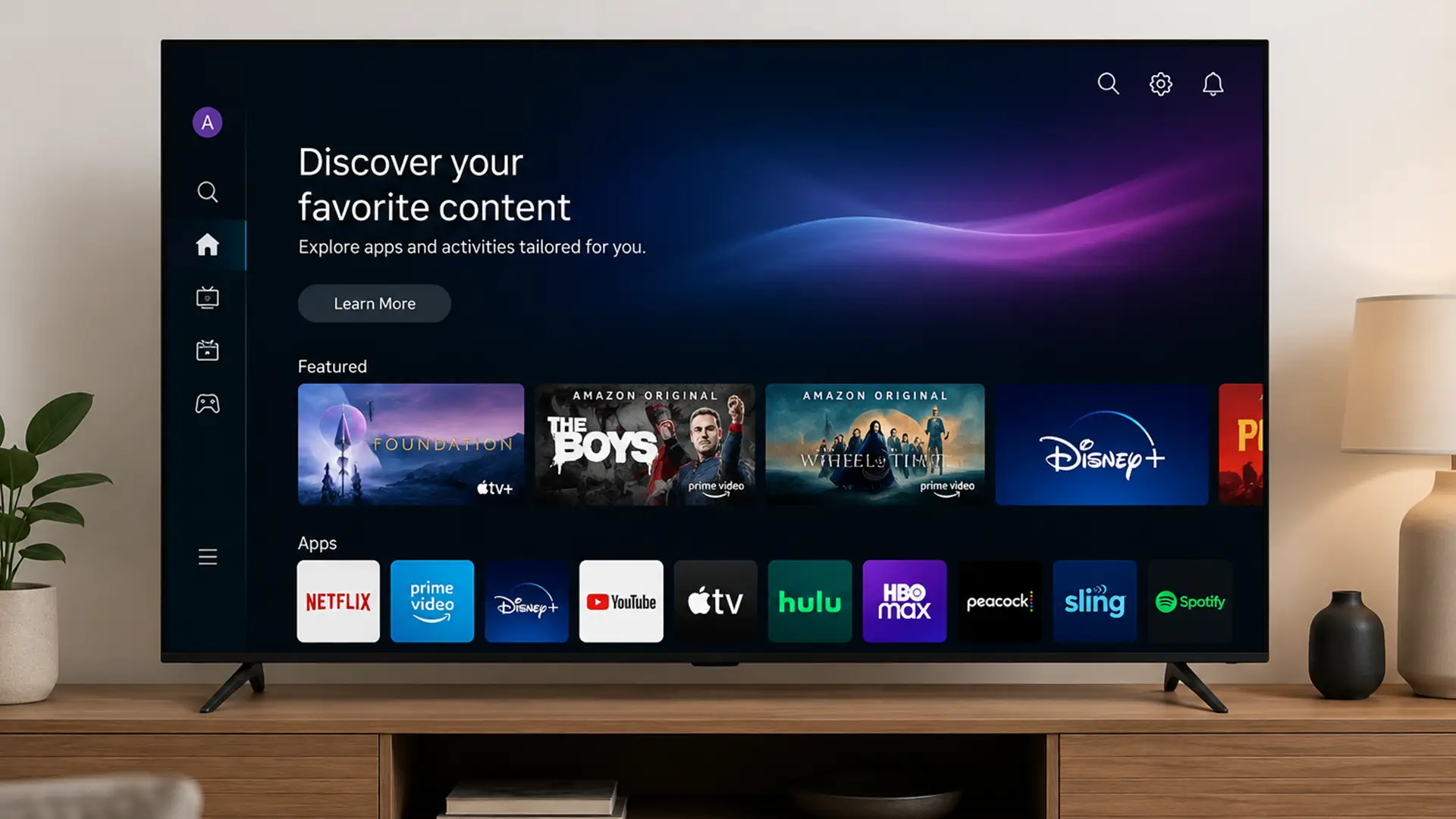
Buffering during the final scene of your favourite show? Brutal.
Whether you’re bingeing Netflix, watching live sport in glorious 4K, or juggling multiple streams across the house, your broadband speed makes a huge difference to how smooth your Smart TV experience feels.
The good news? You probably don’t need as much speed as you think. But how much is enough?
We’re here to help you unpack exactly what broadband speed you need for Smart TV streaming, as well as how to avoid lag, buffering and the usual string of streaming catastrophes that make your Smart TV feel a little less smart.
What Internet Speed Do You Need for Smart TV?
The ideal broadband speed for your Smart TV depends on what you watch, how many devices are connected, and whether you're streaming in HD or 4K.
While standard-definition content can run smoothly on relatively modest speeds, higher-quality streaming and busy households demand much more bandwidth.
To put those bandwidth requirements into context, here's how different streaming setups compare.
If your evenings involve multiple streams, gaming sessions and a growing collection of connected devices, our FF-500 and FF-900 packages give you room to do it all without compromise.
What Broadband Speed Does Netflix Recommend?
Netflix recommends a minimum of:
- 3 Mbps for high definition (HD) – 720p
- 5 Mbps for full high definition (FHD) – 1080p
- 15 Mbps for Ultra HD streaming (UHD) – 4K
Of course, these are to be taken with a pinch; performance can still vary depending on:
- How many people are online
- Your Wi-Fi strength
- Device performance
- Network congestion
While lower speeds can handle 4K streaming, having some extra bandwidth in reserve helps keep things running smoothly when other devices are online.
For households that regularly stream in 4K, 50 Mbps or more is usually a comfortable place to be.
Is 30 Mbps Fast Enough for Smart TV?
Generally, yes.
A 30 Mbps broadband connection is enough for most Smart TV streaming needs, including 4K content on a single screen.
It can also comfortably handle:
- Multiple HD streams
- Web browsing and social media
- Music streaming
- A few connected smart home devices
The bigger question is what else is happening on your network.
It's not usually a single TV that poses a problem. The challenge comes when the rest of the household piles on.
Every phone, laptop, tablet, games console and smart gadget in your home is dipping into the same pot of bandwidth.
So while 30 Mbps might feel perfectly speedy one minute, it can start to feel a little stretched when everyone gets online at once.
For smaller households, that's often no big deal.
For larger homes with lots of connected devices, a faster connection gives everyone a bit more room to breathe.
Is 50 Mbps Enough for 4K Streaming?
Absolutely.
50 Mbps is usually more than enough for:
- Smooth 4K streaming
- Watching live sport in UHD
- Streaming on multiple TVs
- Gaming alongside streaming
- Smart home gadgets running in the background
For most homes, this is the broadband sweet spot: plenty of speed without paying for bandwidth you’ll never touch.
Of course, if you've got a particularly busy household packed with heavy internet users, more speed is never a bad thing. But for most homes, 50 Mbps is plenty for a smooth streaming experience.
Why Your Smart TV Still Buffers Even with Fast Broadband
You can have fast broadband and still run into the usual streaming issues.
Common causes include:
Weak WiFi Signal
If your router’s hidden behind a plant pot in the hallway cupboard, your Smart TV might struggle to get a strong signal.
Distance, thick walls and interference can all slow things down.
Too Many Connected Devices
Every device in your home wants a slice of the Wi-Fi these days.
The more devices online, the more your connection gets shared around.
Old Routers
Even fast broadband can struggle if your router’s past its prime. No matter how fast your broadband package is.
Peak-Time Congestion
When the laptops close and the streaming apps open, broadband demand tends to shoot up fast.
Some providers manage this better than others.
What’s the Best Broadband Speed for 4K Smart TVs?
If you regularly watch content in 4K Ultra HD, here’s a good rule of thumb:
- Single 4K TV: at least 25 Mbps
- Family household with multiple users: 50–100 Mbps
- Heavy streaming and gaming households: 100 Mbps+
4K streaming is a bit more data-greedy given how much higher the picture quality is. It’s a small trade-off for sharper detail , richer colours and getting as close to the action as possible.
How Much Broadband Speed Do I Need for Multiple Smart TVs?
Every stream uses bandwidth.
So if you’ve got multiple TVs running at once, you’ll need enough speed to handle the lot.
As a rule of thumb:
- 30–50 Mbps - Enough for one or two HD streams.
- 50–100 Mbps - Comfortable for a family watching different programmes on different TVs.
- 100–300 Mbps - Recommended if several people are streaming in 4K.
- 300 Mbps+ - A great fit for larger households with TVs, gamers, smart devices and people working from home all online together.
Bigger households will see the biggest benefit from faster fibre broadband. The less time spent fighting over bandwidth, the better.
Does Fibre Broadband Make Smart TVs better?
Absolutely.
A faster, more reliable connection means your Smart TV has an easier time doing what it does best.
Fibre broadband delivers:
- Faster download speeds
- More stable streaming
- Lower buffering risk
- Better performance during busy periods
- Improved support for multiple devices
The more connected devices you have, the more you'll appreciate having a little extra bandwidth to go around.
What Broadband Speed Do I Need for Live Sport Streaming?
Live sport is less forgiving than on-demand streaming.
If your connection struggles, you’re far more likely to notice:
- Buffering
- Lag
- Reduced picture quality
- Delays behind live broadcasts
For smooth live sport streaming:
- HD sport streaming: 10–20 Mbps
- 4K live sport: 25–50 Mbps
What Internet Speed Do I Need for YouTube on Smart TV?
YouTube recommends:
- 5 Mbps for HD video
- 20 Mbps for 4K content
But again, those are minimum recommendations.
If several people are using the internet simultaneously, higher speeds help maintain consistent quality.
How to Improve Smart TV Streaming Performance
Sometimes the fix isn’t upgrading your package.
A few small tweaks here and there can make a huge difference.
Move your Router
Keep it:
- Out in the open
- Away from thick walls
- Central in the home where possible
- Elevated off the floor
Setting your router down in a vast, open space can hugely improve your Wi-Fi coverage.
Use WiFi Boosters or Mesh Systems
You can only optimise router placement so much before you run out of places to actually put the thing.
And even then, your Wi-Fi still has to battle through thick walls, ceilings, furniture and ever nook and cranny your house layout can throw at it.
Mesh Wi-Fi systems help smooth all that out by using multiple nodes around the home to spread coverage more evenly.
Instead of one router desperately trying to reach everywhere, you get a stronger signal across far more of the house.
Connect via Ethernet
If possible, plugging your Smart TV directly into the router with an Ethernet cable gives the most stable connection.
Especially for 4K streaming.
Upgrade Old Equipment
Older routers were built for the usage demand of yesteryears. Modern routers are built for the now.
Newer WiFi 6 routers deliver speeds and coverage that older hardware simply can’t keep up with.
How Much Speed Do Gamers and Streamers Need Together?
Gaming itself doesn’t usually need huge download speeds.
But game downloads definitely do.
A broadband package around 100 Mbps or higher often delivers the best overall experience.
Do Smart TVs Use a Lot of Internet Data?
They certainly can, especially if you're watching in 4K Ultra HD.
The higher the picture quality, the more data your TV needs to stream it smoothly. As a rough guide:
- Standard Definition (SD) - Around 1 GB per hour
- High Definition (HD) - Around 3 GB per hour
- 4K Ultra HD - Around 7–10 GB per hour
If your broadband package has data limits, streaming can eat through allowances in a pinch.
Thankfully, most modern fibre broadband packages come with unlimited data. Ahem, ours.
What’s the Best Broadband Type for Smart TVs?
If streaming is your thing, fibre broadband is a no-brainer.
There are a few different types to consider:
Standard broadband (ADSL)
Uses older copper phone lines that were built for a much simpler internet era. Back when “streaming” meant buffering a three-minute YouTube clip and calling it a night.
These days, ADSL (Asymmetric Digital Subscriber Line) can start puffing a bit when faced with:
- 4K streaming
- Multiple people online at once
- Giant game downloads
- Homes packed with connected gadgets
It’s still perfectly fine for lighter browsing and everyday internet basics. But modern households tend to ask a lot more from their broadband than ADSL was ever really designed for.
Fibre to the Cabinet (FTTC)
Part-fibre, part-copper. Better than old-school broadband, but speeds can still dip if you live further from the street cabinet or your household puts the connection under heavy pressure.
A balanced option for lighter streaming households. Less ideal when peak-time household demand starts overwhelming older network hardware.
Full Fibre (FTTP)
The gold standard. The crème de la crème.
Full fibre broadband runs fibre optic cables directly to your home, delivering faster, more stable speeds with far less slowdown during busy periods.
It’s built for modern internet life. Multiple streams. Massive game downloads. Video calls. Smart home tech. The lot.
Once you’ve got full fibre, buffering starts feeling like the exception rather than part of the deal.
What Broadband Speed Do You Need for Smart TV?
For most households, somewhere between 50–100 Mbps hits the sweet spot.
That’s usually enough for:
- Smooth 4K streaming
- Multiple TVs running at once
- Gaming alongside streaming
- Smart home devices ticking away in the background
- Video calls without everyone turning into blurry little squares
Smaller households with lighter usage can comfortably get by on less. Bigger homes with gadgets aplenty and heavy streaming habits will benefit from extra capacity.
Final thoughts
A Smart TV can only be as good as the broadband powering it.
And if you’ve invested in a gorgeous 4K display, you probably want to see every glorious pixel working exactly as intended, not collapsing into blurs and pixels every evening.
Fast, stable fibre broadband helps keep streaming smooth, picture quality sharp and buffering mercifully rare, even in busy households with lots happening online at once.
In short: Fast, stable fibre broadband + solid WiFi = proper good telly.
